

Add-ons (also called bolt-ons) let you extend your Dsposal subscription with extra capacity beyond your base plan limits. This includes additional supplier sites, extra team member slots, and API access subscriptions.
What add-ons are
Every subscription plan comes with base limits for features like followed supplier sites and organisation members. Add-ons let you increase these limits without upgrading to a higher plan tier. They also enable API access if your base plan doesn't include it.
Common add-on types include:
- Extra supplier sites -- follow more suppliers beyond your plan's base limit
- Extra team members -- add more people to your organisation
- API subscriptions -- enable access to the Waste Thesaurus and Compliance Directory APIs
Purchasing an add-on
Navigate to the Billing page
In the Account app, select your organisation and click Billing in the sidebar. Scroll down past your current plan to find the Add-ons section.
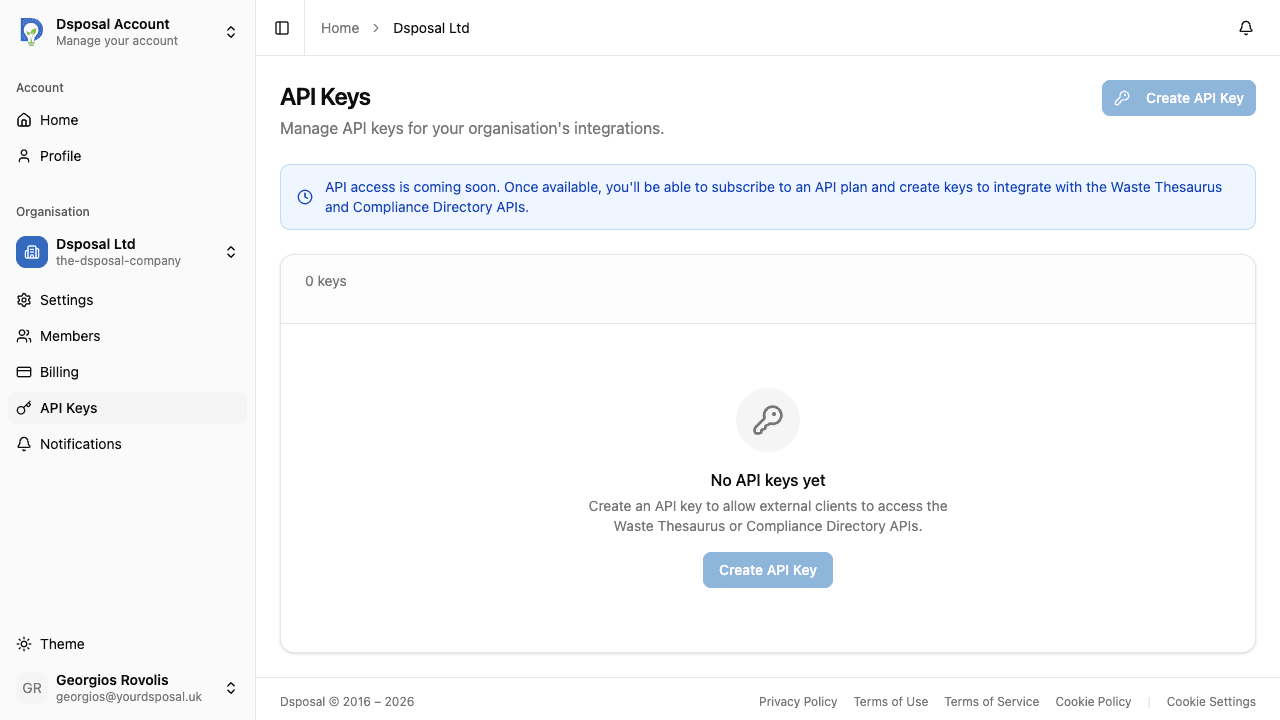
Review available add-ons
Each add-on card shows the name, description, and price. Browse the options to find what you need.
Click Purchase
Click Purchase on the add-on you want. A confirmation dialog will appear showing the cost details.
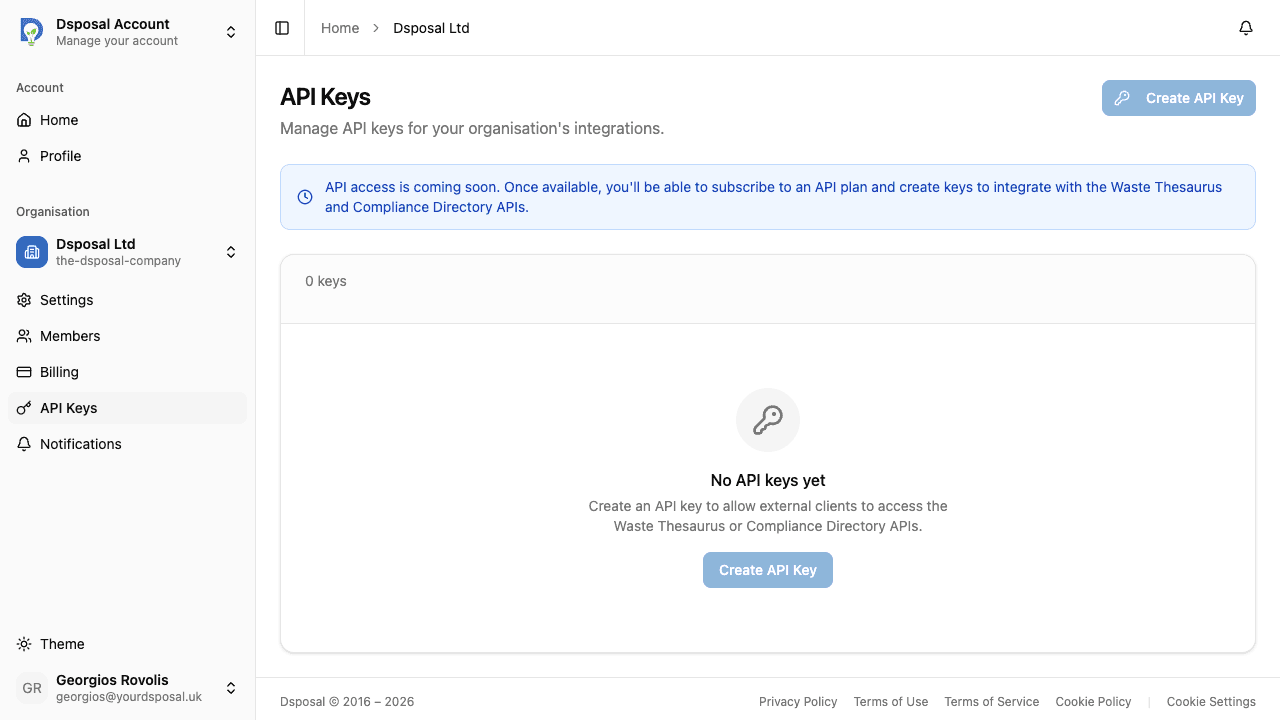
Confirm the addition
Click Confirm to process the purchase. The add-on will be activated immediately and your increased limits will take effect right away.
Managing active add-ons
Active add-ons are displayed alongside your current plan on the Billing page. You can view which add-ons are currently active and see how they affect your feature limits.
When to use add-ons vs upgrading
If you only need more capacity for one specific feature, an add-on is usually the most cost-effective choice. If you're hitting limits across multiple features, it may be more economical to upgrade your plan instead.
Keep moving
Next steps
Explore further