

The waste interrogator is an embedded analytics dashboard that lets you explore waste disposal data for your sites. It provides interactive charts covering waste volumes, origins, categorisations, and trends over time.
Prerequisites
The waste interrogator requires your sites to be linked to the legacy waste data system. If no sites are linked, you will see a message saying "No sites available for waste analysis."
Using the waste interrogator
Navigate to Waste Interrogator
In the Dashboard, click Waste Interrogator in the sidebar. The page loads with a site selector and year selector at the top, followed by several interactive charts below.
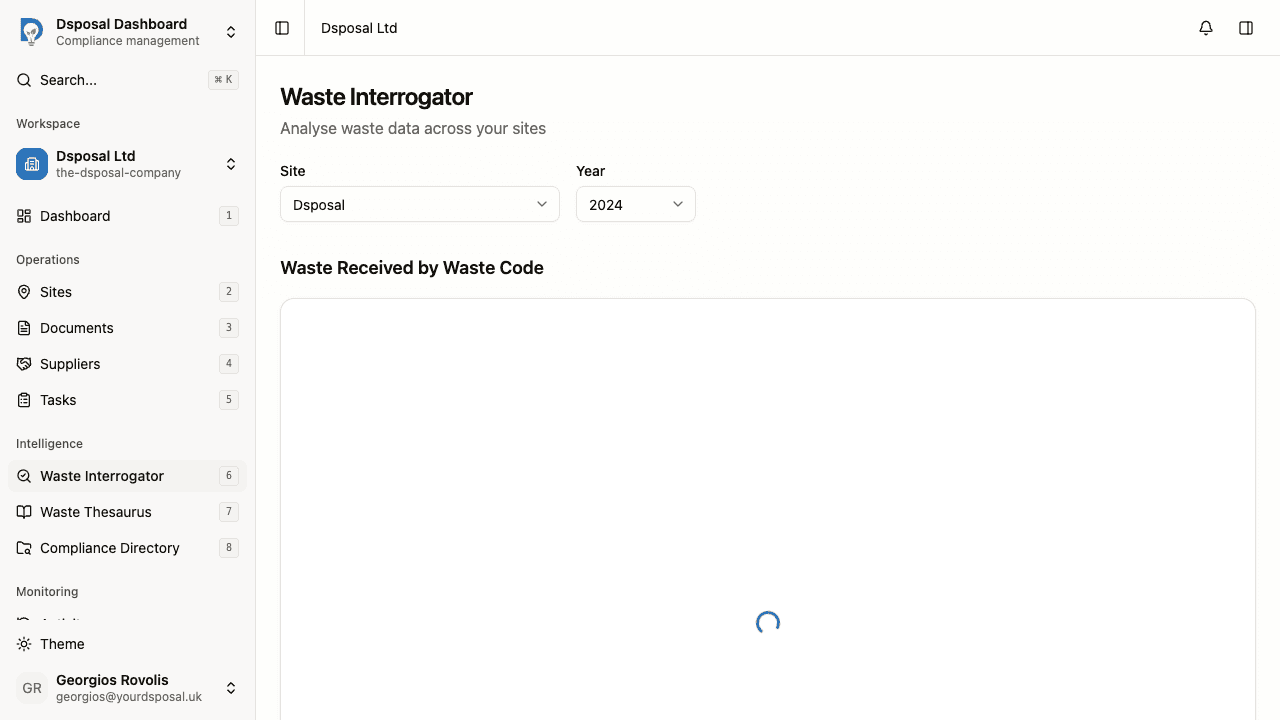
Select a site
Use the Site dropdown to choose which site's data you want to analyse. The dropdown supports search — type a site name to filter the list. If you have multiple sites, the first one is selected by default.
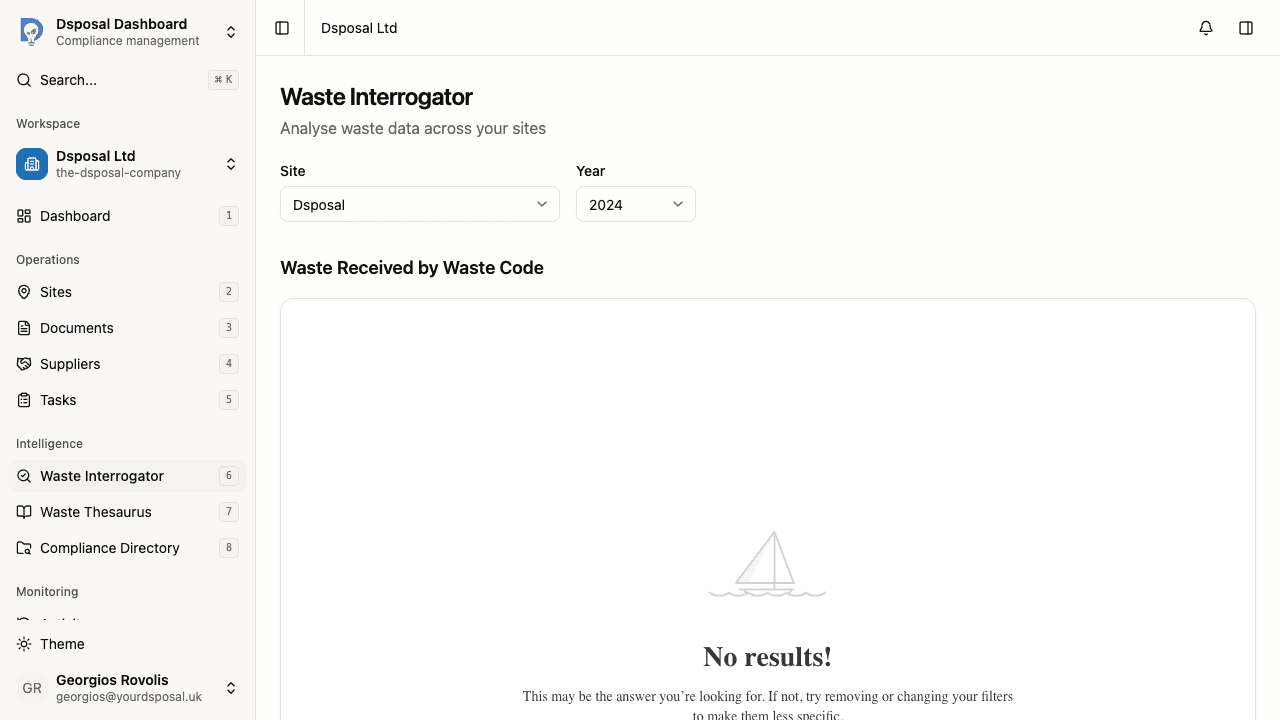
Select a year
Use the Year dropdown to choose the time period. Available years include 2024, 2023, 2022, and 2021. Charts update automatically when you change the year.
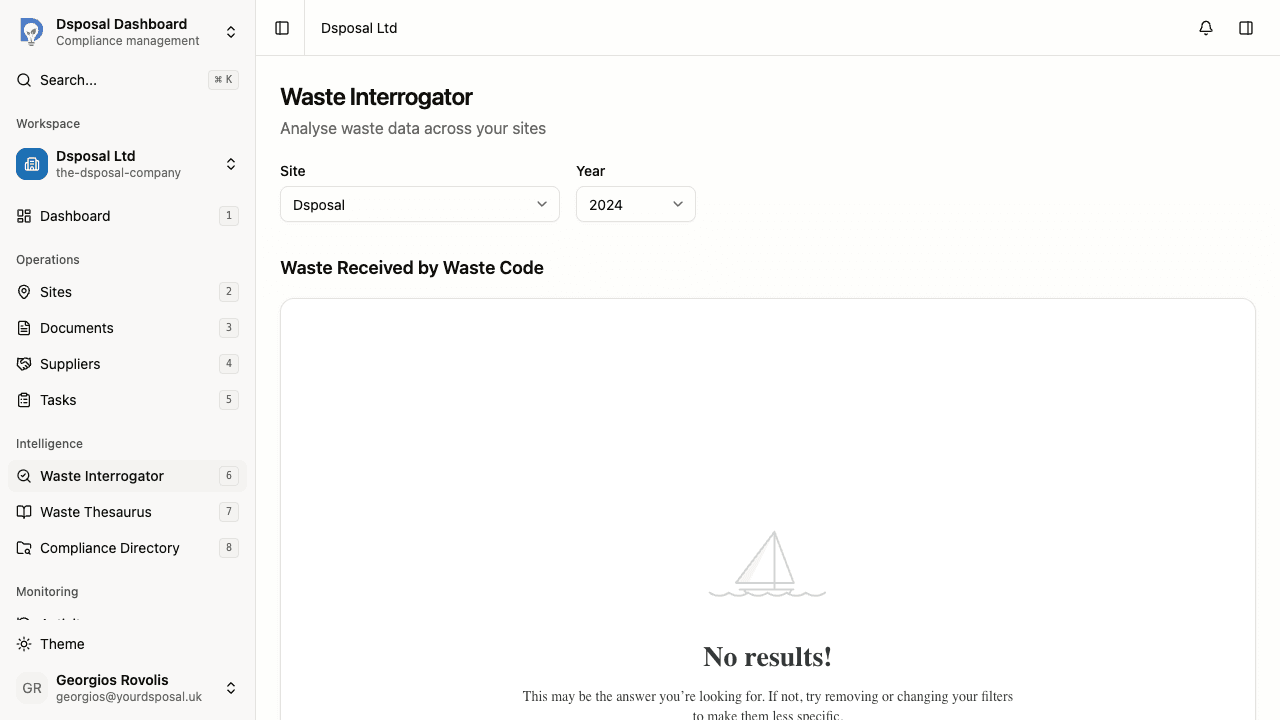
Explore the interactive charts
The page displays several charts, each presenting a different aspect of your waste data. Charts are interactive — hover over data points for more detail.
Reading the charts
The waste interrogator includes five chart sections:
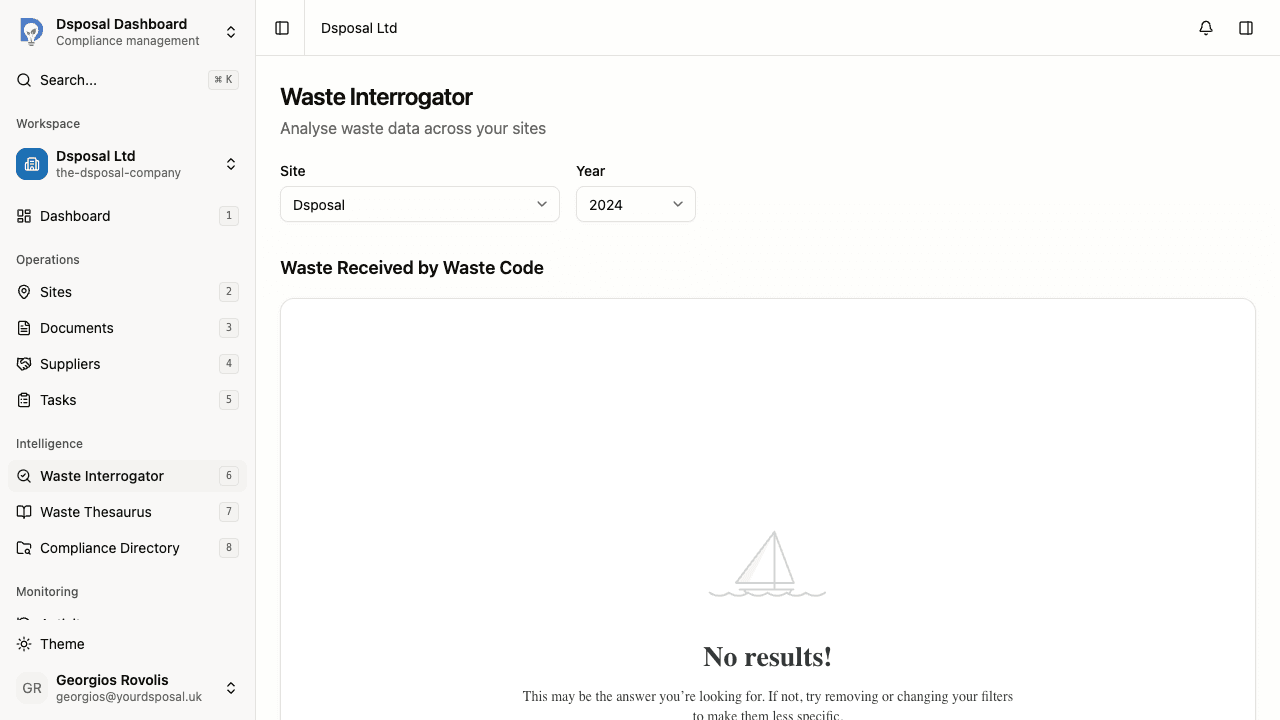
Waste Received by Waste Code
Shows waste volumes broken down by EWC waste code. This helps you understand what types of waste your site is receiving.
Fate of Waste Received
Shows what happened to the waste after it was received — how it was processed, recovered, or disposed of. This gives insight into your waste management outcomes.
Waste Received by Origin
Two visualisations show where your waste is coming from:
- Chart view — a bar or pie chart breaking down waste by its geographic origin
- Map view — a geographic map showing waste origins spatially
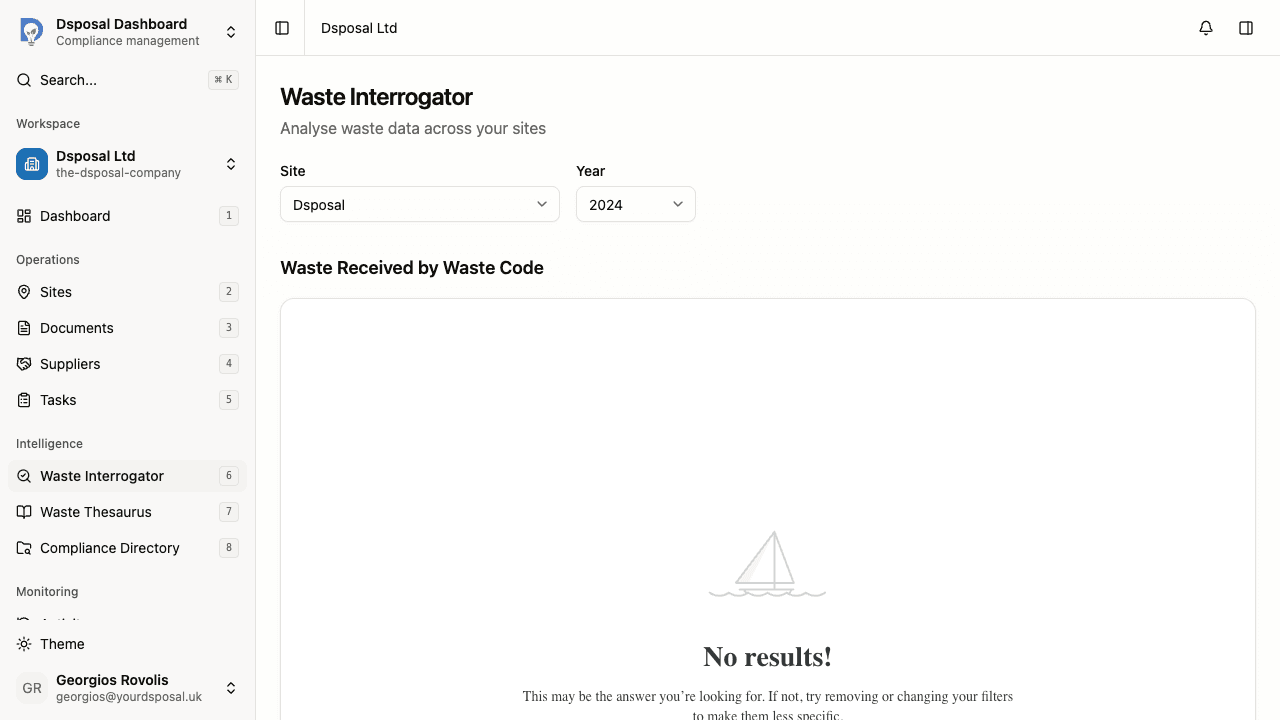
Waste Received per Year
A year-over-year comparison showing total waste volumes across all available years for the selected site. This chart ignores the year selector and instead shows data for every year, making it easy to spot long-term trends.
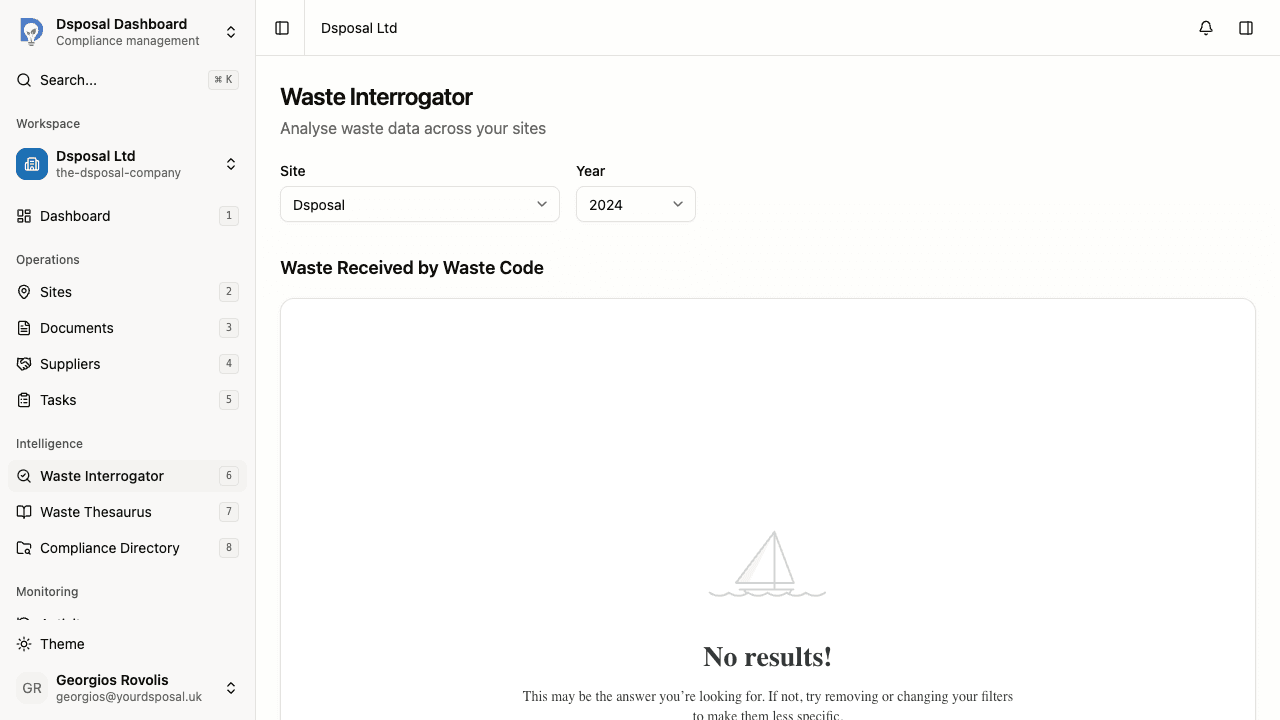
Waste Received per Waste Categorisation
Shows waste volumes grouped by their waste categorisation. Like the year-over-year chart, this section shows data for all years regardless of the year selector, providing a comprehensive categorisation breakdown.
Tips for getting the most from the waste interrogator
- Compare years — switch between years using the dropdown to identify trends and seasonal patterns
- Check multiple sites — if you operate several sites, review each one to understand differences in waste profiles
- Use alongside the waste thesaurus — if you see an unfamiliar waste code in the charts, use the waste thesaurus to look up its meaning
What to do next
- Browse the waste thesaurus to look up waste codes you see in the charts
- Add a new site to start tracking waste data for additional locations
Keep moving
Next steps
Explore further