

Before you can manage sites, documents, and compliance data in Dsposal, you need to be part of an organisation. If your organisation already exists in our system (for example, from Environment Agency records), you can claim it. Otherwise, you can create a new one.
Claiming an existing organisation
Open the Add Organisation modal
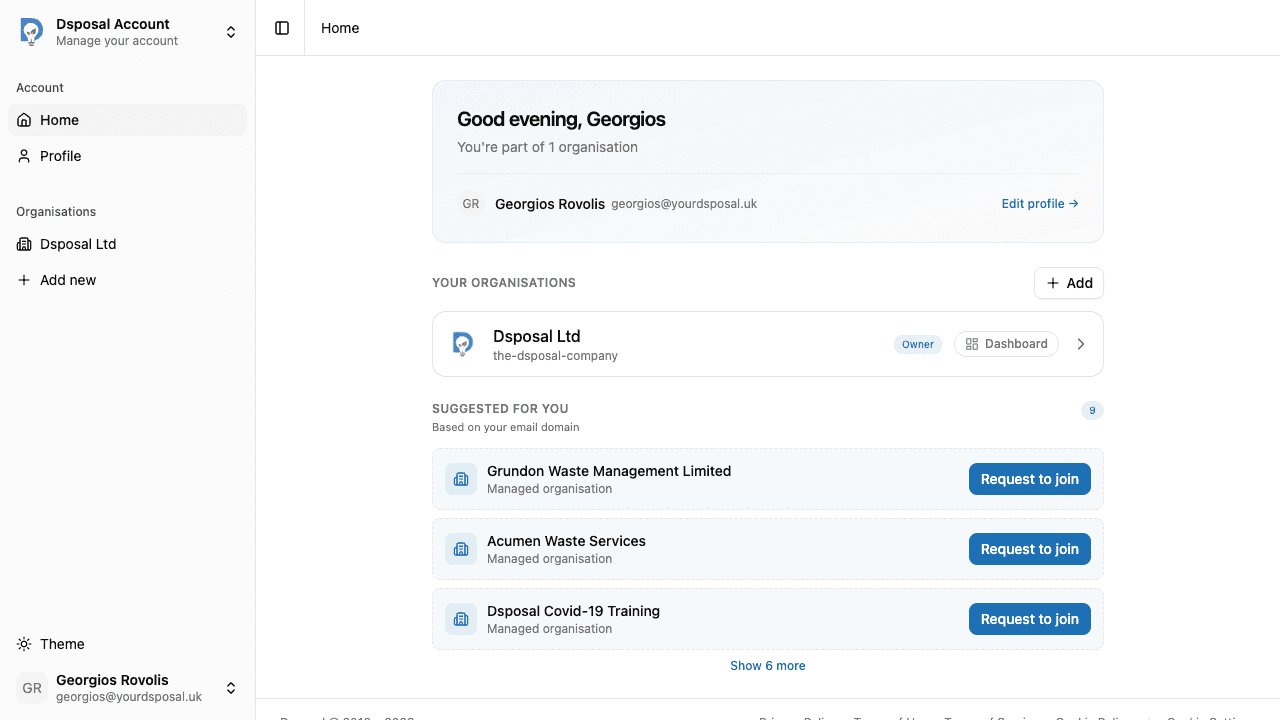
From the Account dashboard, find the Organisations section and click the Add button. If you don't have any organisations yet, you'll see a prompt to create or claim one.
Search for your organisation
Type your organisation's name into the search field. Results appear as you type with a short delay.
Organisations that can be claimed show a green Claimable badge. Organisations already managed by someone else will appear greyed out with an Already claimed label.
Fill in the claim form
After selecting a claimable organisation, you'll need to verify your connection to it:
- Job Title -- your role at the organisation (e.g. "Operations Manager")
- Connection to Organisation -- a brief explanation of your relationship (minimum 10 characters)
This information helps our team verify that the claim is legitimate.
Submit and wait for review
Click Submit Claim to send your request. You'll receive a confirmation message straight away.
Creating a new organisation
If your organisation isn't found in the search, click the Create button. Enter your organisation's name and it will be created immediately -- you'll be added as the Owner with full control.
Domain-based suggestions
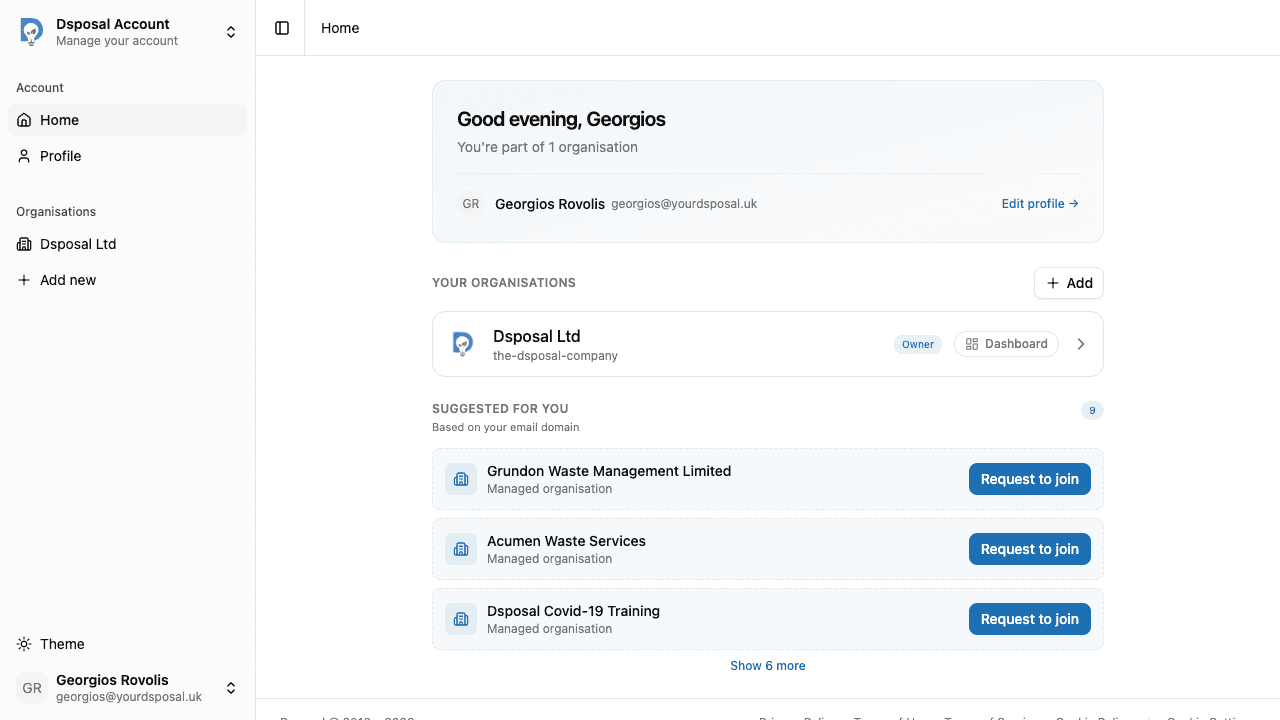
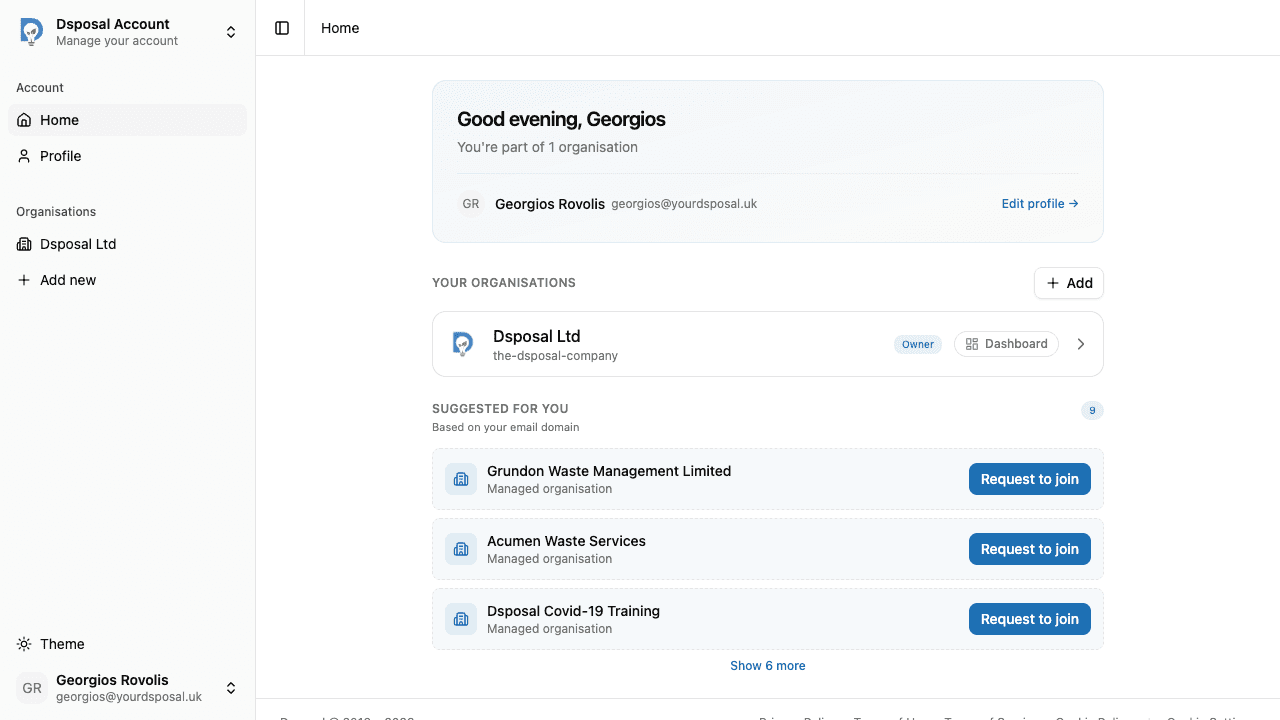
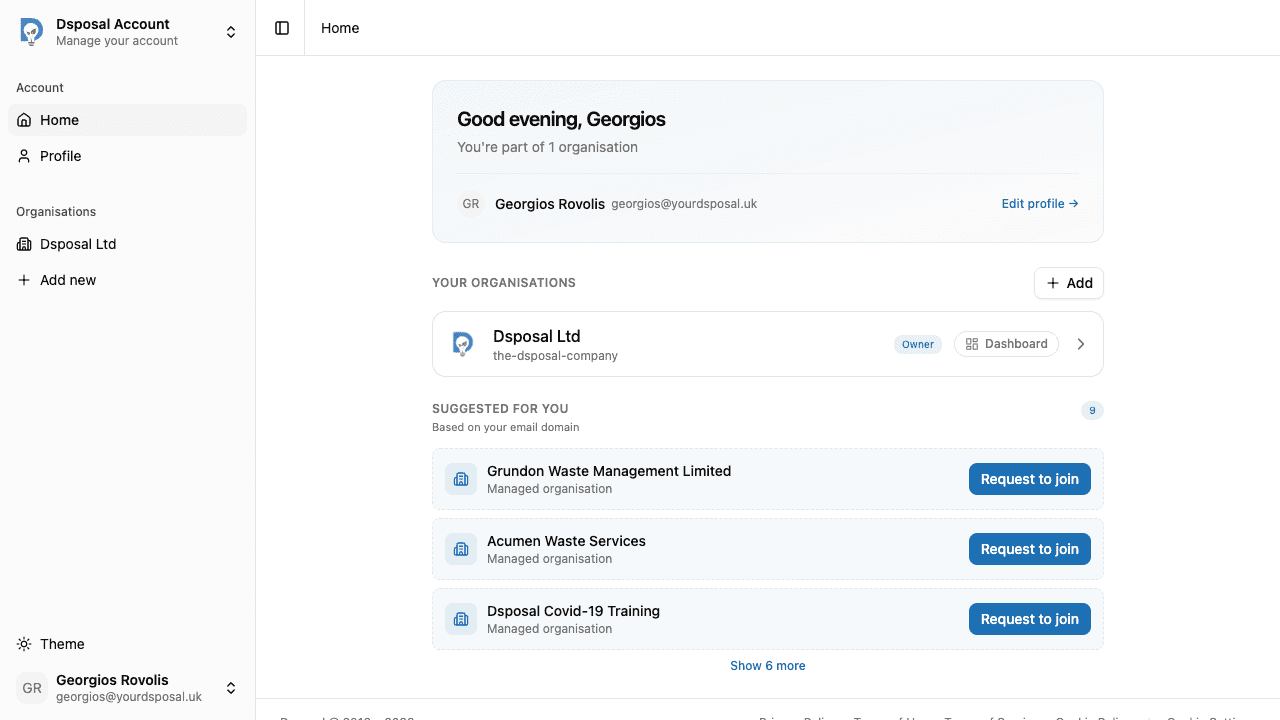
When you first sign in to Account, Dsposal may suggest organisations that match your email domain. For example, if you signed up with a @example.com email, you'll see organisations associated with that domain. This makes it quicker to find and claim the right organisation.
What happens next?
Once you have access to your organisation, you can:
- Invite team members to collaborate
- Add your sites to start tracking compliance
- Upload certificates and insurance for your organisation
Keep moving
Next steps
Explore further