

The Compliance Directory is a searchable database of licensed and registered waste management facilities across the UK. It lets you find waste operators by service type, material, EWC code, or location — helping you verify suppliers, discover new waste management sites, and support your duty of care compliance.
What the compliance directory is
The Compliance Directory draws data from the Environment Agency's public register of waste operations. You can search for sites by what they do (services or waste types) and where they are (postcode or location), then view details about their registrations and compliance status.
Using quick search options
Navigate to the Compliance Directory
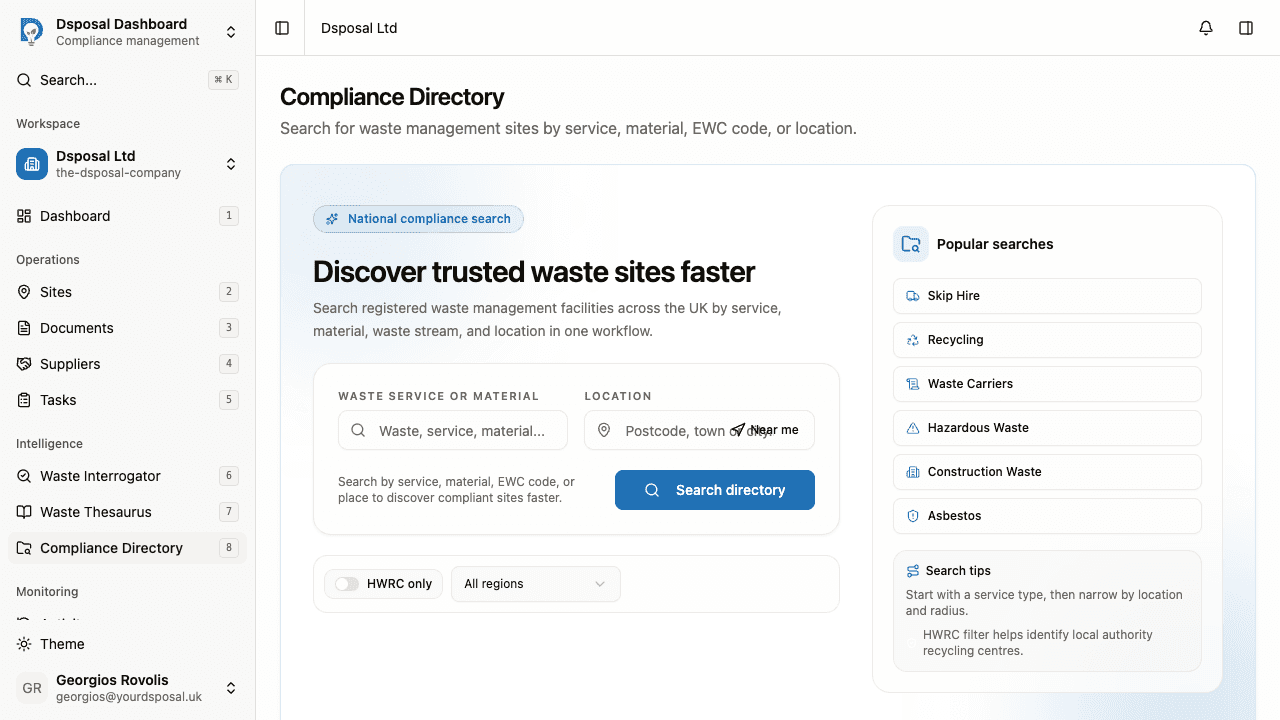
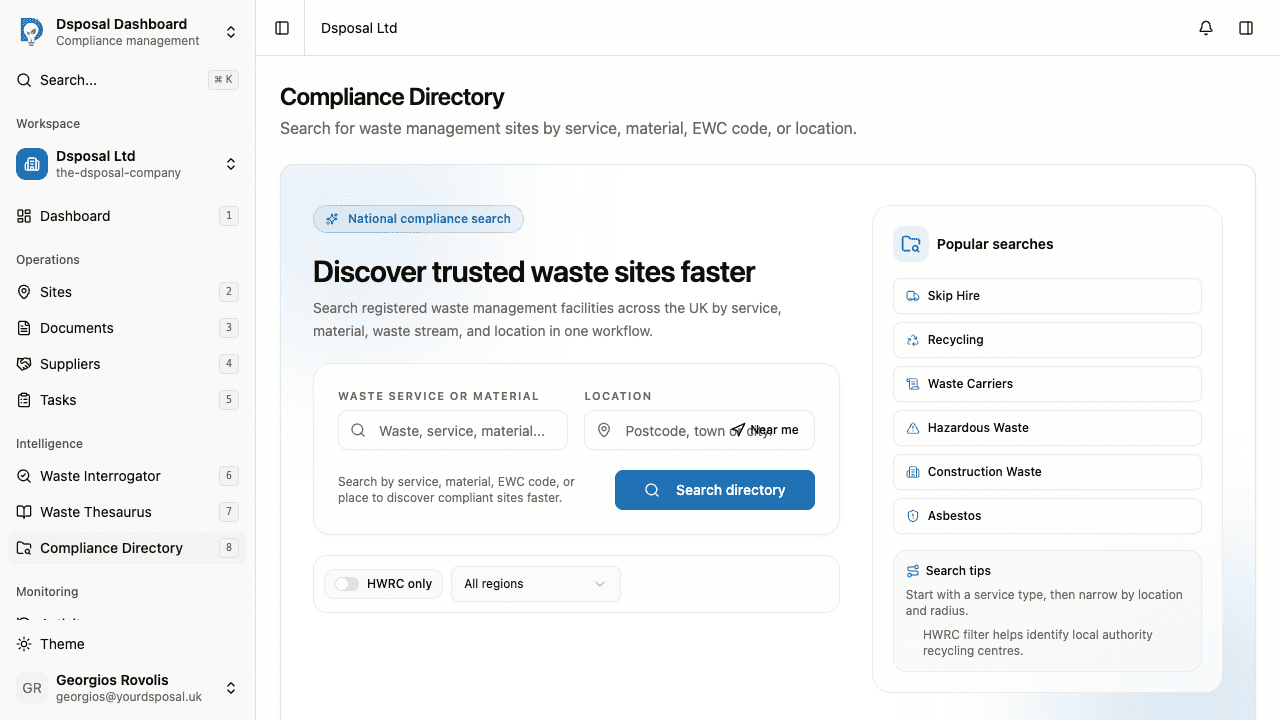
In the Dashboard, click Compliance Directory in the main navigation. You'll see the directory landing page with a search form and a panel of popular searches.
Click a popular search
On the right side of the page, you'll see a Popular searches panel with pre-configured search buttons:
- Skip Hire — find skip hire providers
- Recycling — find recycling facilities
- Waste Carriers — find registered waste carriers
- Hazardous Waste — find hazardous waste handlers
- Construction Waste — find construction waste processors
- Asbestos — find licensed asbestos removal operators
Click any of these to immediately run a search with that term.
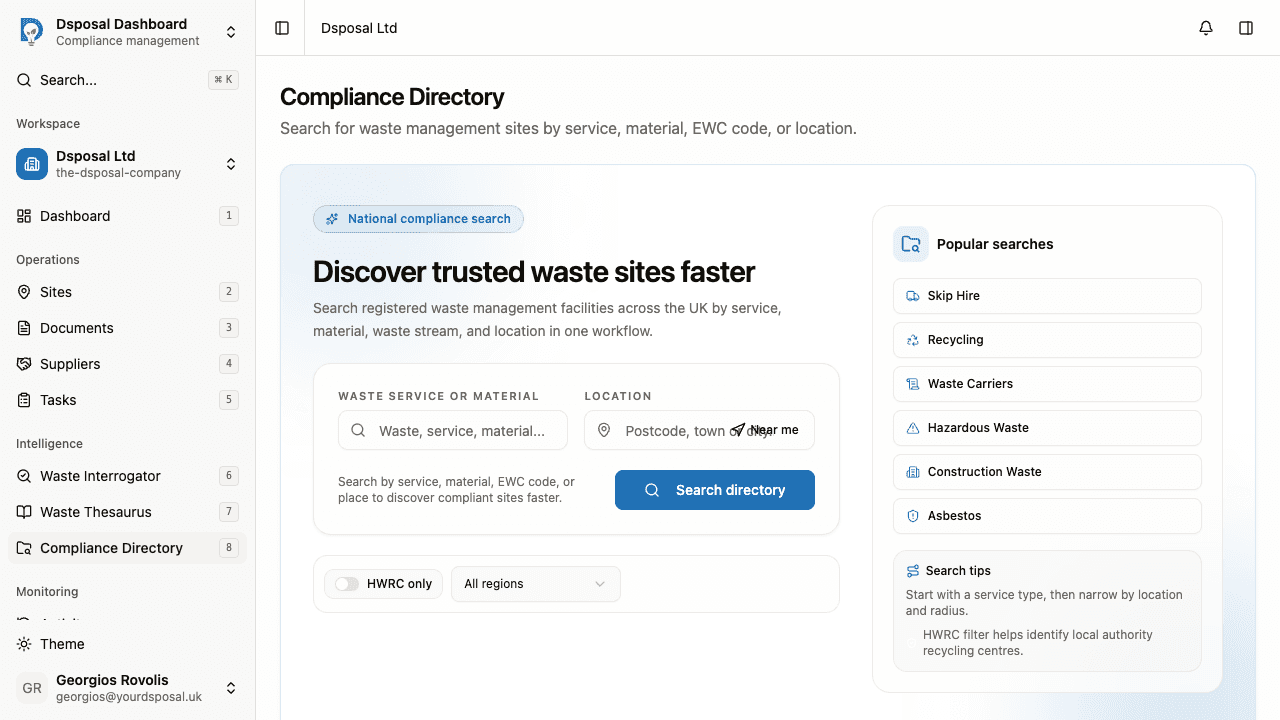
Review search results
After clicking a popular search or running a custom search, you'll be taken to a results page showing matching waste management sites. Each result shows the site name, services, location, and compliance status.
Running a custom search
Enter your search terms
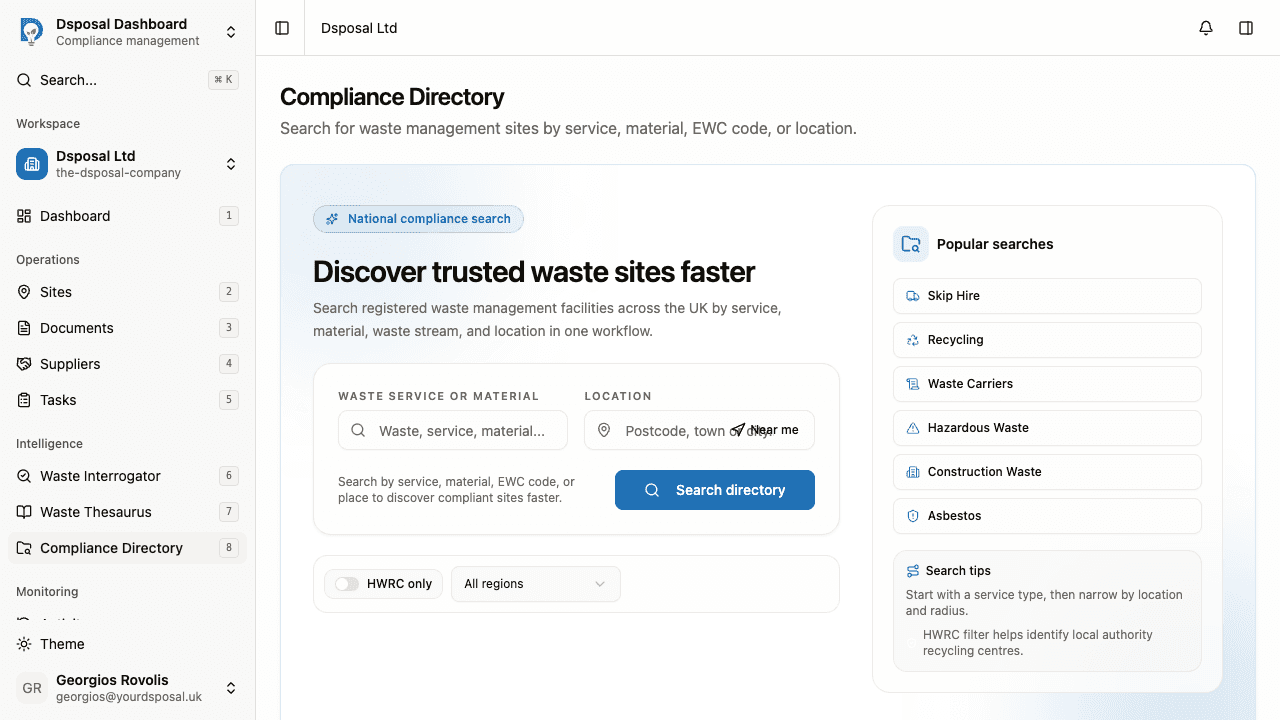
In the search form on the left side of the page, you'll see two input fields:
- Waste service or material — type a service name, material type, or EWC code (e.g., "recycling", "hazardous waste", "skip hire")
- Location — type a town, city, or postcode to search near a specific area, or use the Use my location option
Set a search radius
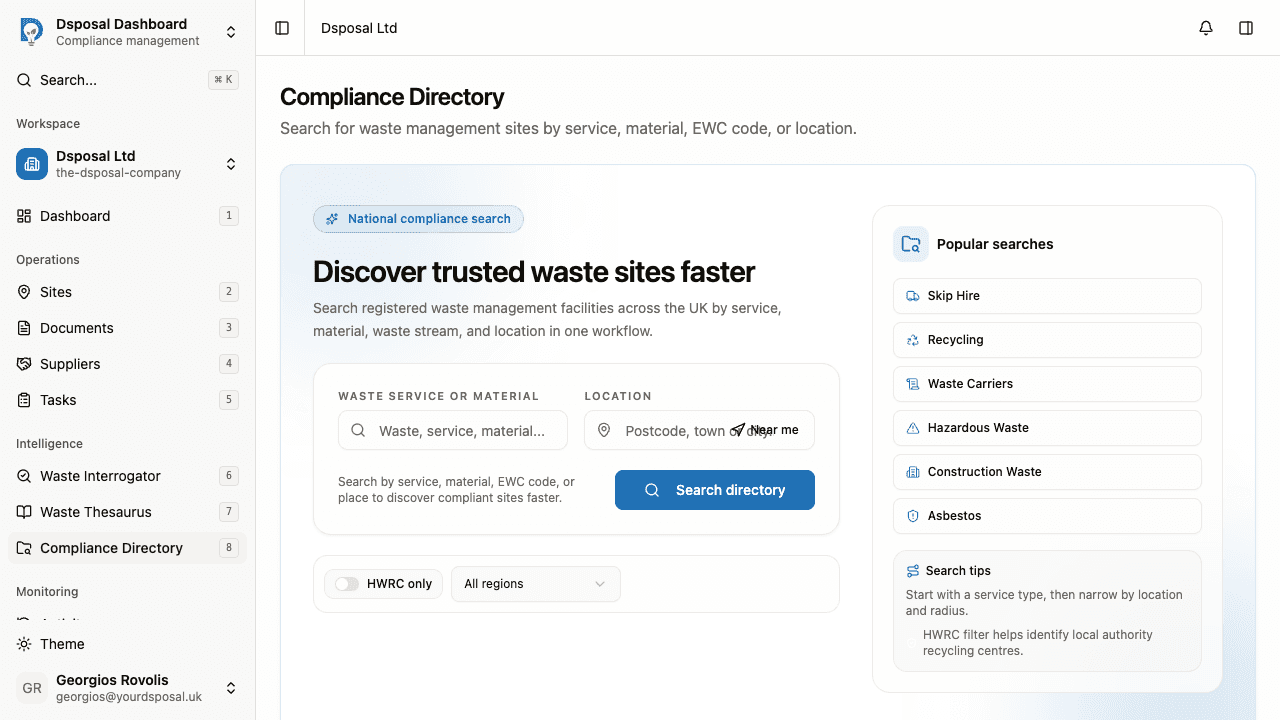
When you select a location, a radius control appears. You can set the maximum distance from your selected location — choose from 5, 10, 20, 30, or 50 miles.
Click the Radius button to adjust the distance using a slider or by clicking one of the preset options.
Click Search directory
Click the Search directory button to run your search. You'll be taken to the results page.
Applying filters
Below the search form, you'll find filter controls that narrow your results:
- HWRC only — toggle this switch to show only Household Waste Recycling Centres, which are local authority recycling facilities
- Region — select a specific region from the dropdown (e.g., North West, South East, London) to limit results to that area
Active filters are shown as badges below the filter controls, with a count of how many filters are applied. Click Clear all to remove all filters.
Search tips
- Start with a service type, then narrow by location and radius
- Be specific — "hazardous waste treatment" will give more relevant results than just "waste"
- Try different terms — if your first search doesn't find what you need, try alternative descriptions
- Combine with filters — use the HWRC toggle to identify local authority centres, or the region filter to search broadly across a geographic area
- Use the location field — proximity-based searches help you find the nearest compliant facilities
What to do next
- Monitor supplier compliance to track the compliance status of your waste service providers
- Understanding your compliance dashboard to see how compliance data feeds into your dashboard
Keep moving
Next steps
Explore further