

Sites are the foundation of compliance tracking in Dsposal. Each site represents a physical location — such as a transfer station, recycling centre, or headquarters — where your organisation operates. This guide walks you through adding a new site to your organisation.
Adding a site
Navigate to the Sites page
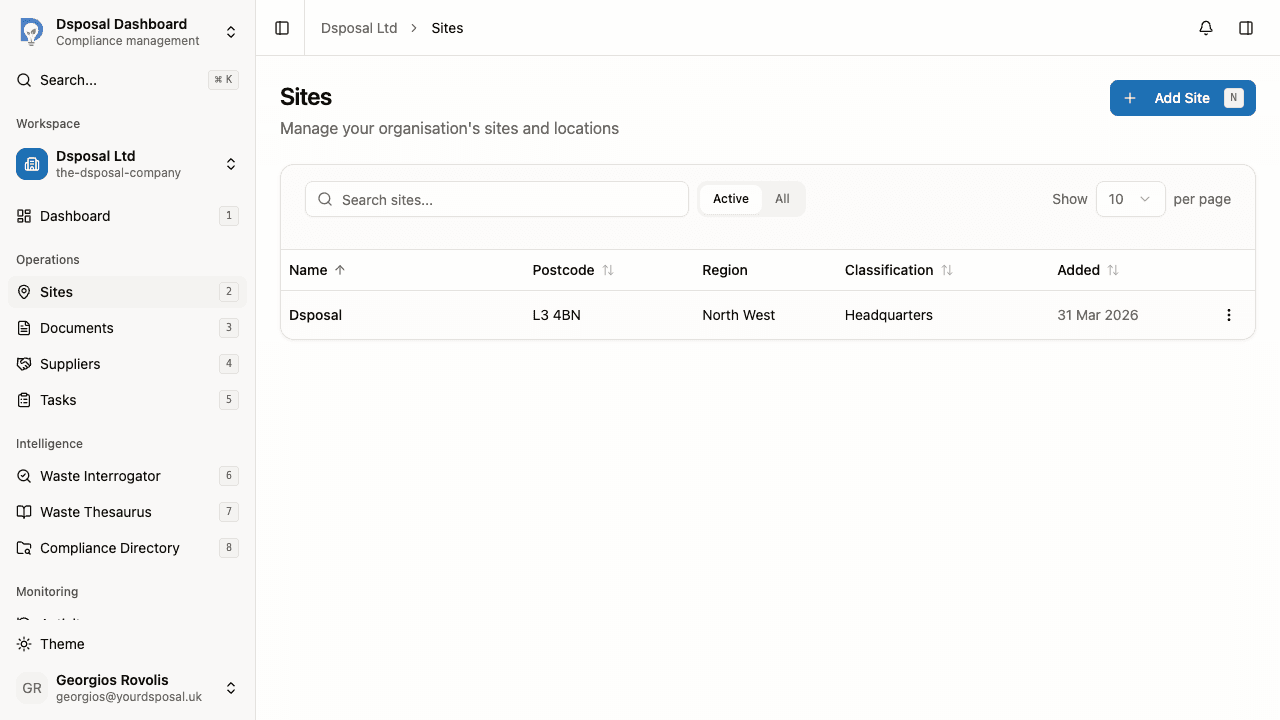
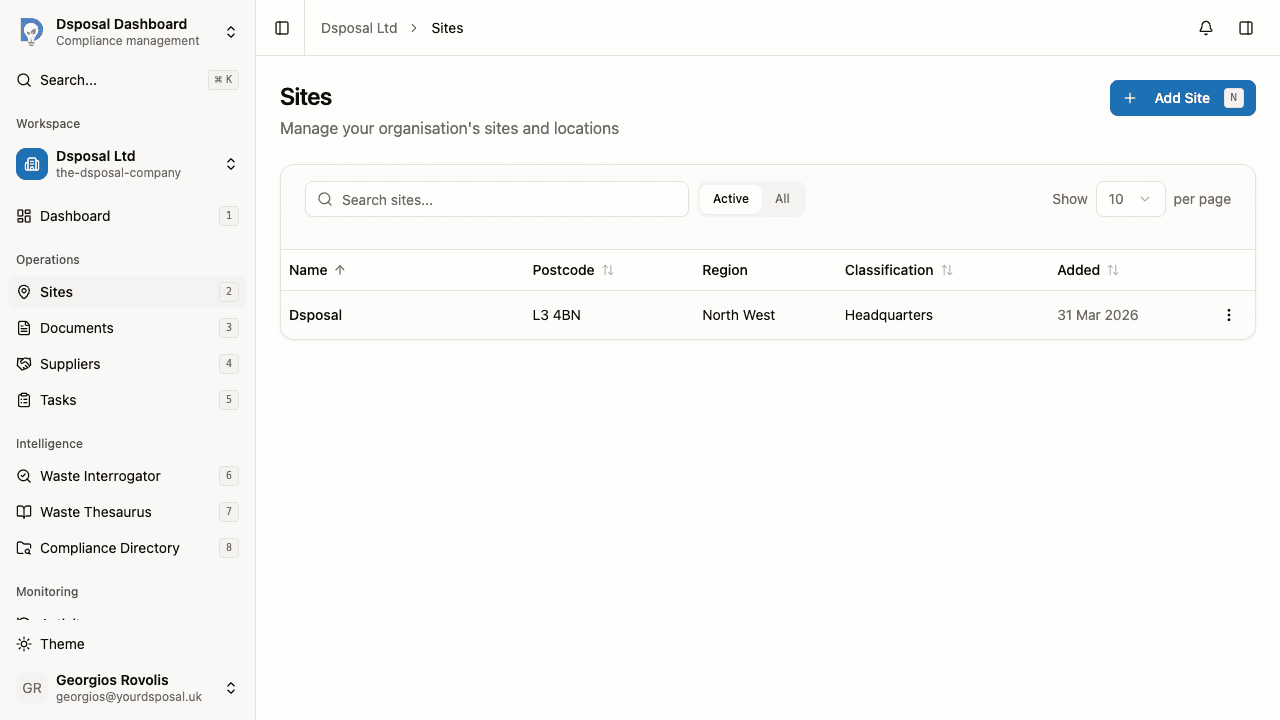
In the Dashboard, click Sites in the main navigation. You'll see a list of your existing sites, or an empty state if this is your first.
Click the Add Site button in the top-right corner to open the site creation form.
Look up your site on the public register (optional)
At the top of the form, you'll find the Public Register Lookup tool. This searches the Environment Agency's public register for your waste company and can automatically fill in your site details including name, address, region, and coordinates.
Enter a licence number or EPR reference and click Search. If a match is found, select it from the results to populate the form fields automatically.
Fill in site details
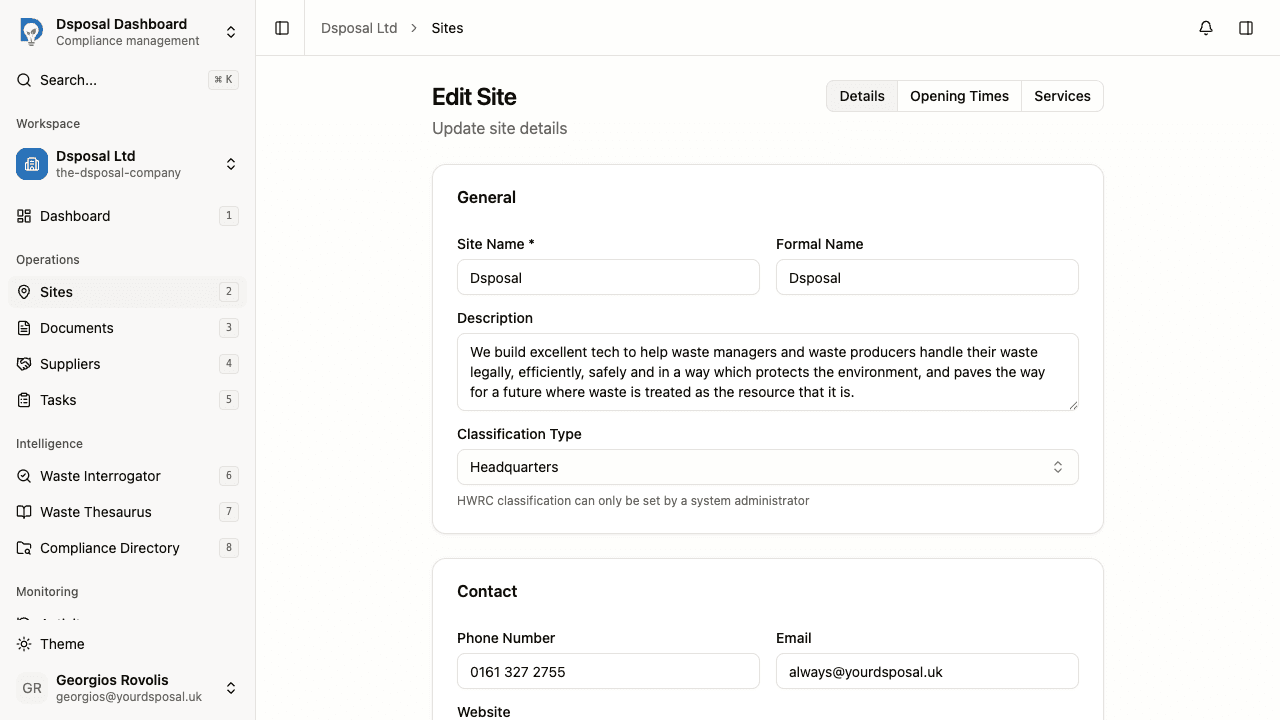
Complete the site information form across three sections:
General
- Site Name (required) — the everyday name for this site (e.g., "Manchester Depot")
- Formal Name — the official registered name, if different (e.g., "Manchester Regional Depot")
- Description — a brief note about the site's purpose
- Classification Type — the type of site (see below)
Contact Details
- Phone Number — the site's contact telephone number
- Website — the site's web address
- Email — the site's contact email address
Address
- Full postal address including Address Line 1, Address Line 2, Town/City, Postcode, and Region
- Latitude and Longitude — auto-filled from the register lookup, or enter manually
Save your site
Click Save Site to create the site. You can also press Cmd+S (or Ctrl+S on Windows) to save. You'll be redirected to the Sites list where your new site will appear.
Site classifications explained
When adding a site, you can choose from the following classification types:
| Classification | Description | |---|---| | Treatment Site | A facility that processes or treats waste | | Headquarters | Your organisation's main office or central location | | Administration Site | An office or administrative location | | Transfer Site | A waste transfer station | | Satellite Site | A smaller or secondary operational location | | Landfill Site | A landfill disposal facility | | Household Waste Recycling Centre (HWRC) | A local authority recycling centre (set by administrator) |
What to do next
After creating your site, you'll want to:
- Set up services or materials to define what the site handles
- Configure opening times for the site
- Add certificates linked to this site
Keep moving
Next steps
Explore further