

The waste thesaurus is a comprehensive reference for waste classification codes used in the UK waste management industry. It covers European Waste Catalogue (EWC) codes, Recovery and Disposal (RD) codes, and Hazardous Properties (HP) codes — all searchable and browsable from within the Dashboard.
Navigating to the waste thesaurus
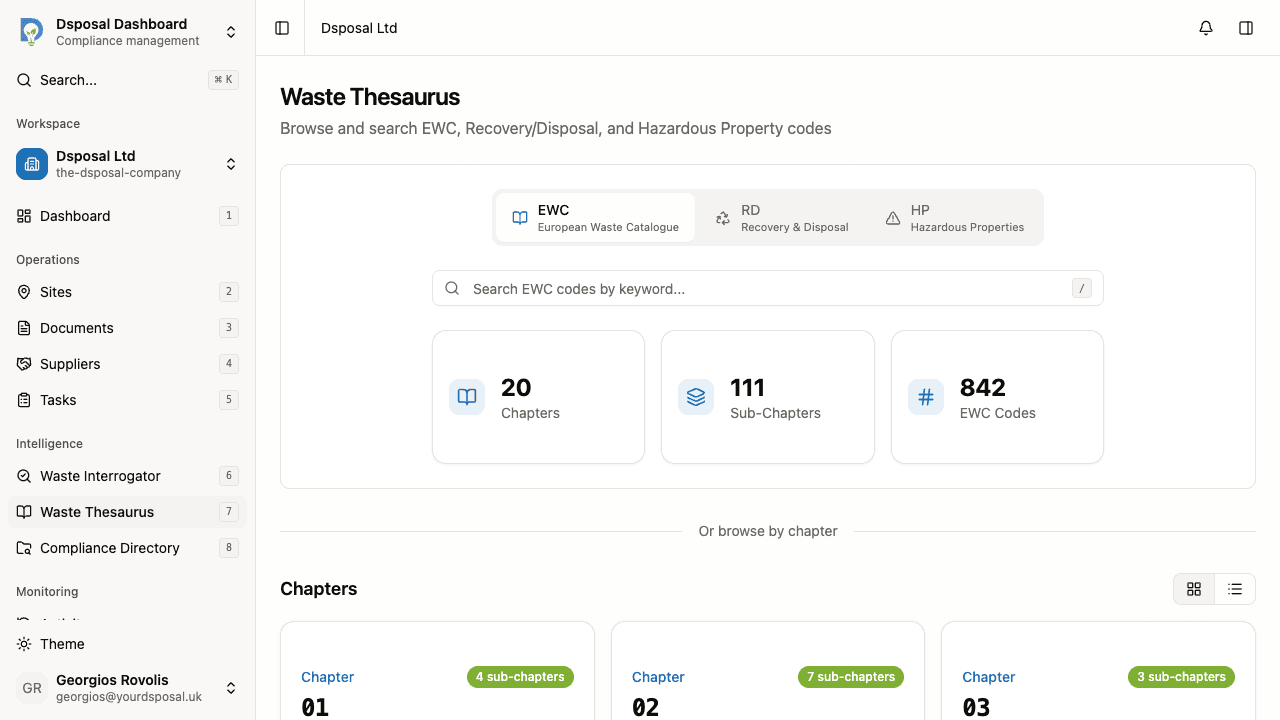
In the Dashboard, click Waste Thesaurus in the sidebar. The main page shows a search bar, code statistics, and a browseable list of codes.
Switching between code types
At the top of the page, a toggle lets you switch between three types of codes:
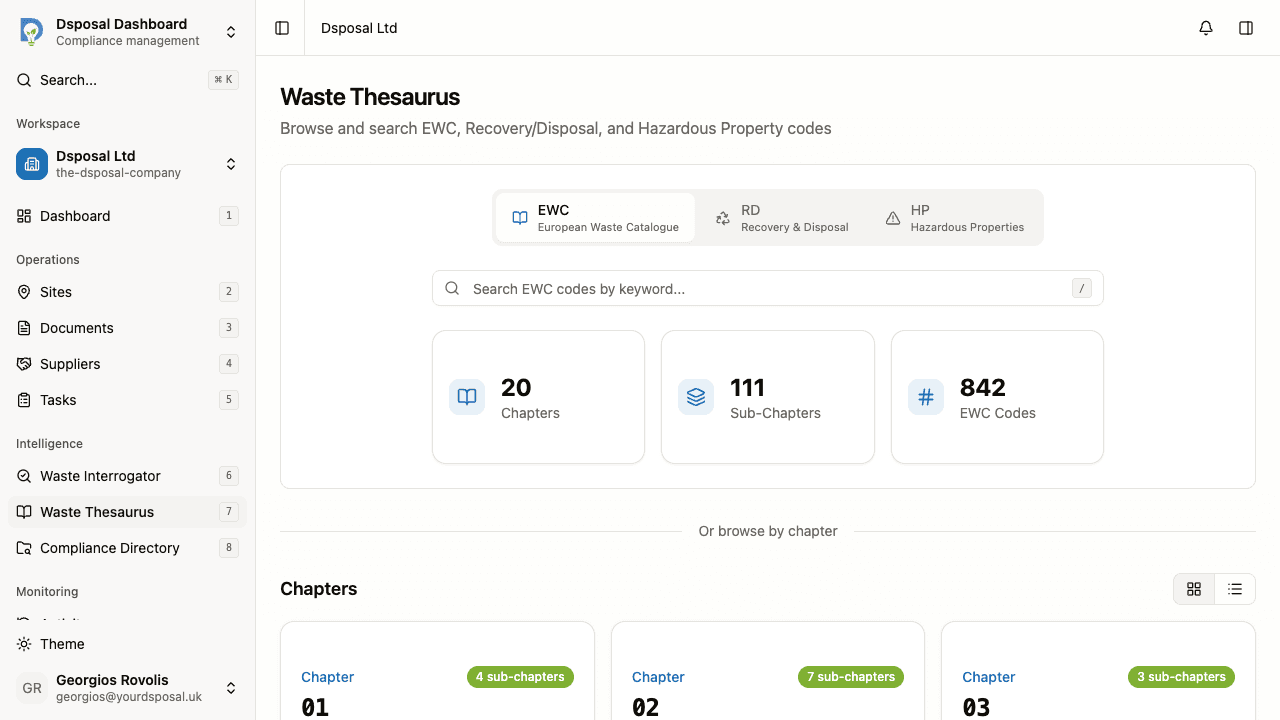
- EWC — European Waste Catalogue codes, organised in a chapter/sub-chapter/code hierarchy
- RD — Recovery and Disposal operation codes (R codes for recovery, D codes for disposal)
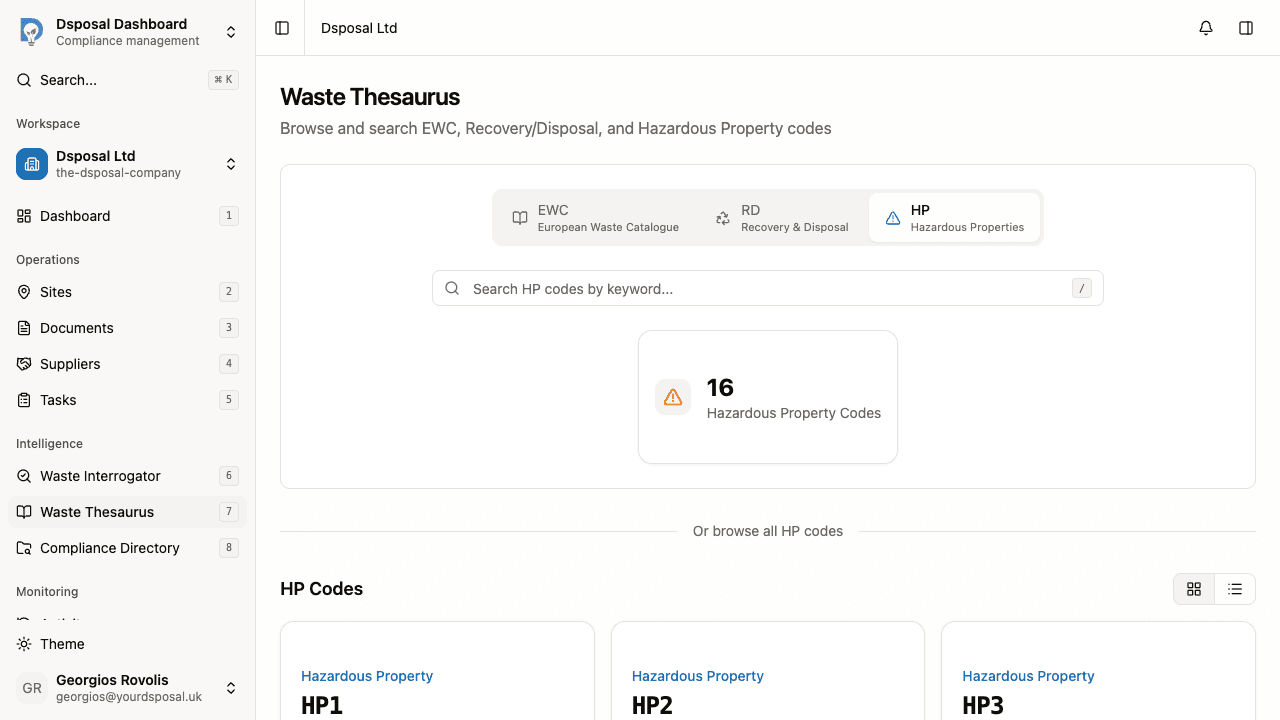
- HP — Hazardous Properties codes (HP1 through HP15)
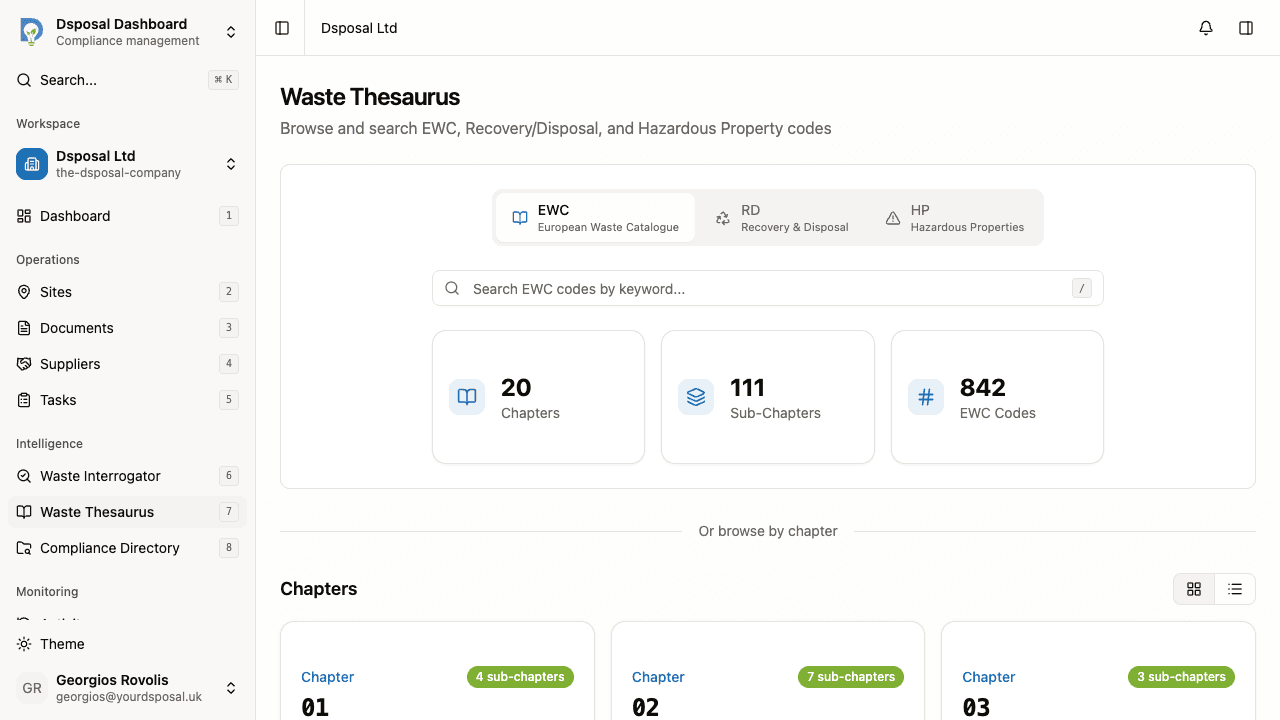
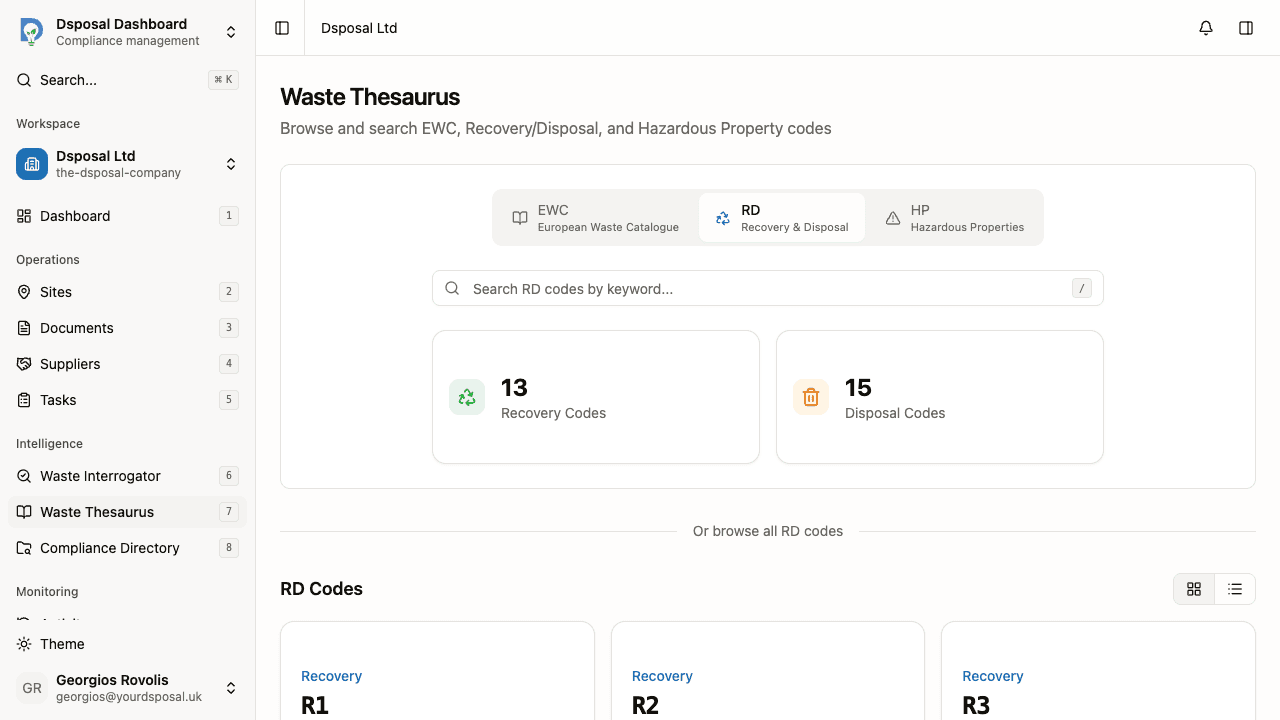
Each code type shows its own statistics summary. For EWC, you see the total number of chapters, sub-chapters, and codes. For RD, you see recovery codes and disposal codes counts. For HP, you see the total number of hazardous property codes.
Browsing EWC codes
EWC codes follow a three-level hierarchy:
Browse by chapter
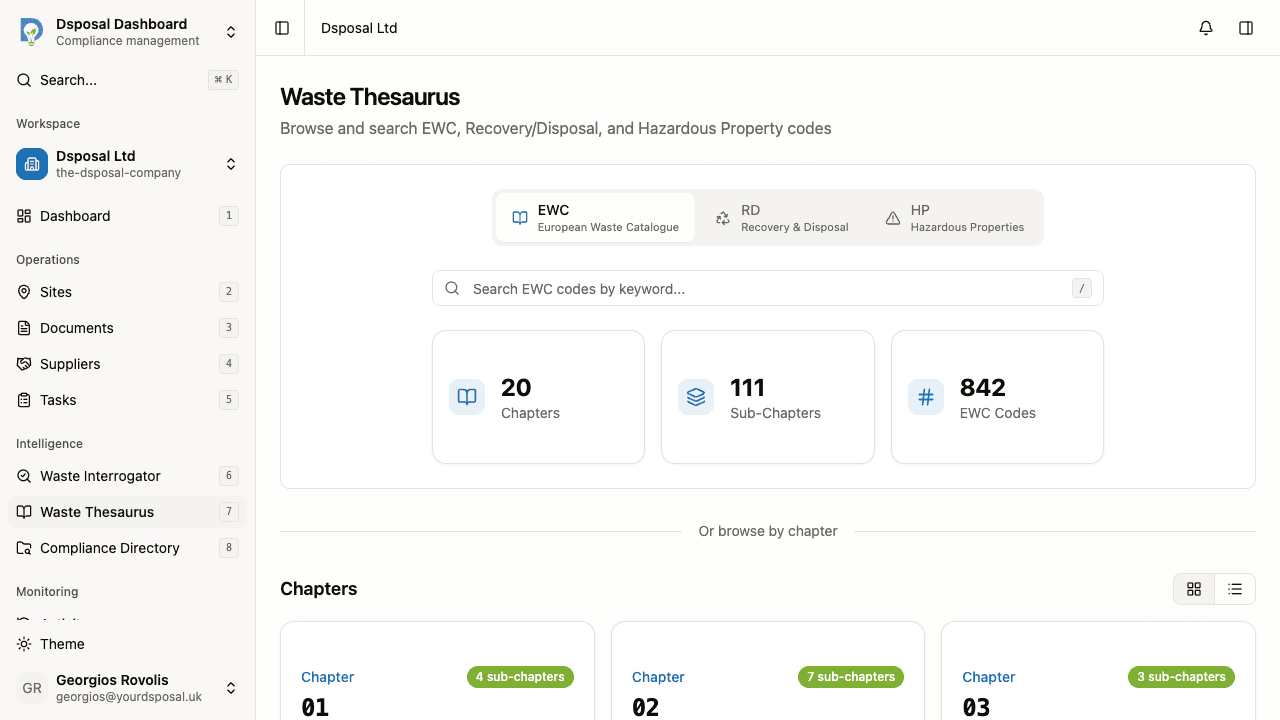
Scroll down past the search bar to see the Chapters section. Chapters are the top-level categories (2-digit codes) grouping waste by its source.
Drill into a sub-chapter
Click a chapter card to see its sub-chapters (4-digit codes). Sub-chapters further narrow down the waste source within a chapter.
View individual codes
Click a sub-chapter to see all individual EWC codes (6-digit codes) within it. Each code represents a specific waste type.
View code details
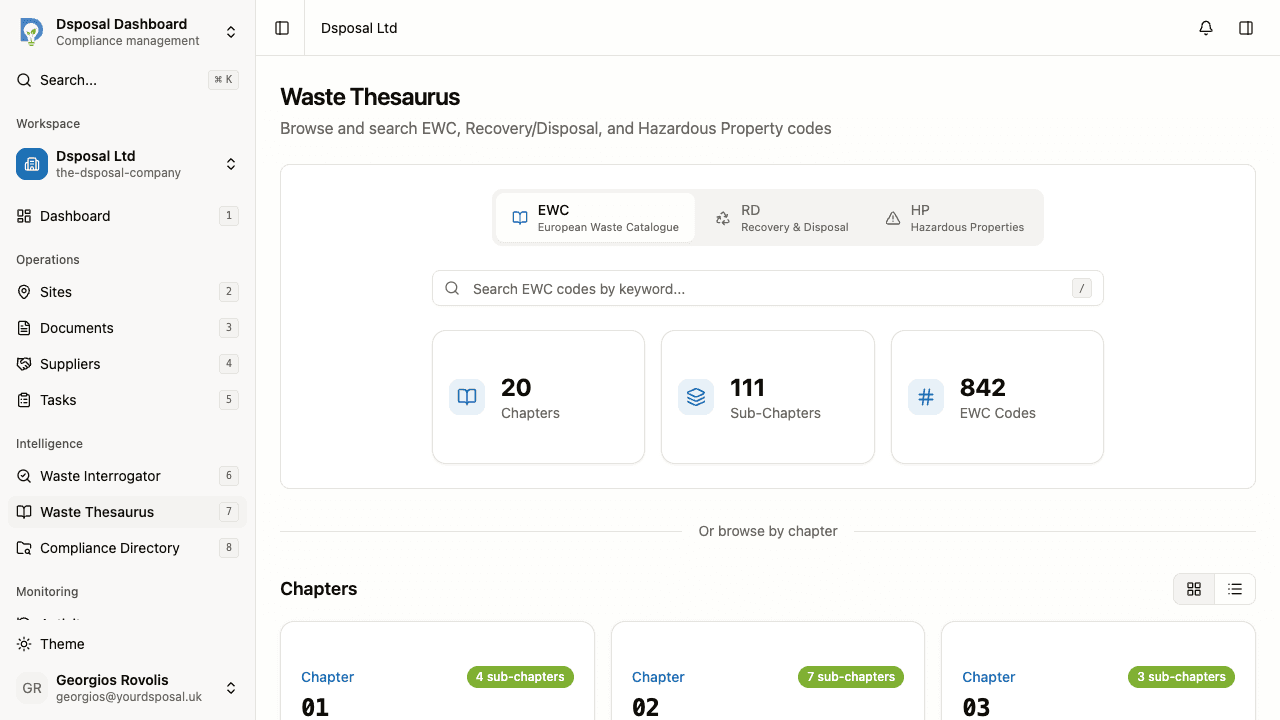
Click any individual code to open its detail page. The detail page shows the full description, classification (entry type), and the code's position in the hierarchy.
Browsing RD codes
When you select the RD tab, the page displays all Recovery and Disposal codes in a flat list:
- R codes (e.g. R1, R2, R3...) — recovery operations like recycling, reclamation, and energy recovery
- D codes (e.g. D1, D2, D3...) — disposal operations like landfill and incineration
Click any RD code card to view its full description and any additional comments.
Browsing HP codes
Select the HP tab to see all Hazardous Properties codes (HP1 through HP15). Each code describes a hazardous property that waste may exhibit, such as explosive, flammable, or toxic characteristics.
Using search
The search bar at the top of each code type page lets you find codes quickly.
Focus the search bar
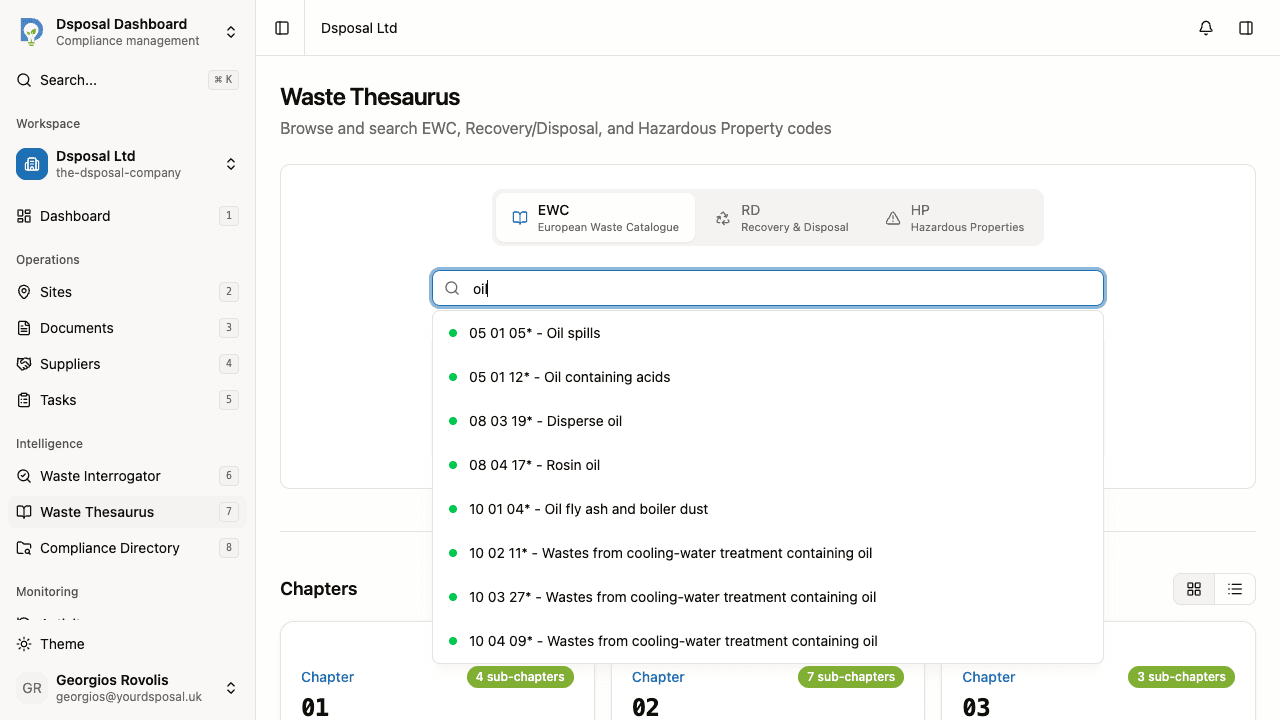
Click the search field, or press the / key on your keyboard to focus it immediately from anywhere on the page.
Enter your search query
Type a code number (e.g. "17 01 01") or a description keyword (e.g. "concrete"). Results appear as you type, showing matching codes with their descriptions.
Select a result
Click a result to navigate directly to its detail page.
Understanding colour-coded results
When searching or browsing EWC codes, results are colour-coded to indicate their hazardous classification at a glance:
- Red — Absolute Hazardous. The waste is always classified as hazardous regardless of composition.
- Blue — Mirror Hazardous. The waste could be hazardous depending on its composition and concentration of dangerous substances.
- Green — Mirror Non-Hazardous. The mirror entry for waste that has been assessed and determined to be non-hazardous.
- Black — Absolute Non-Hazardous. The waste is never classified as hazardous.
Card vs list view
A view toggle in the browse section lets you switch between two display modes:
- Card view — codes displayed as visual cards in a grid layout (default)
- List view — codes displayed as compact rows in a single column
Choose whichever layout you find easier to scan.
Recently viewed codes
When browsing EWC codes, a Recently Viewed section appears below the search bar showing codes you have looked at recently. This provides quick access to codes you are actively working with.
Copying a code
On any EWC code detail page, a Copy button next to the code number lets you copy the code to your clipboard with a single click. This is useful when you need to paste a code into another system or document.
What to do next
- Understand waste classifications for a deeper explanation of EWC codes, entry types, and hazardous properties
- Use the waste interrogator to analyse waste disposal data for your sites
Keep moving
Next steps
Explore further