

When you invite people to your organisation or they request to join, you can manage everything from the Members page in Account. This guide covers how to handle pending invitations and incoming join requests.
Managing pending invitations
Go to the Members page in Account
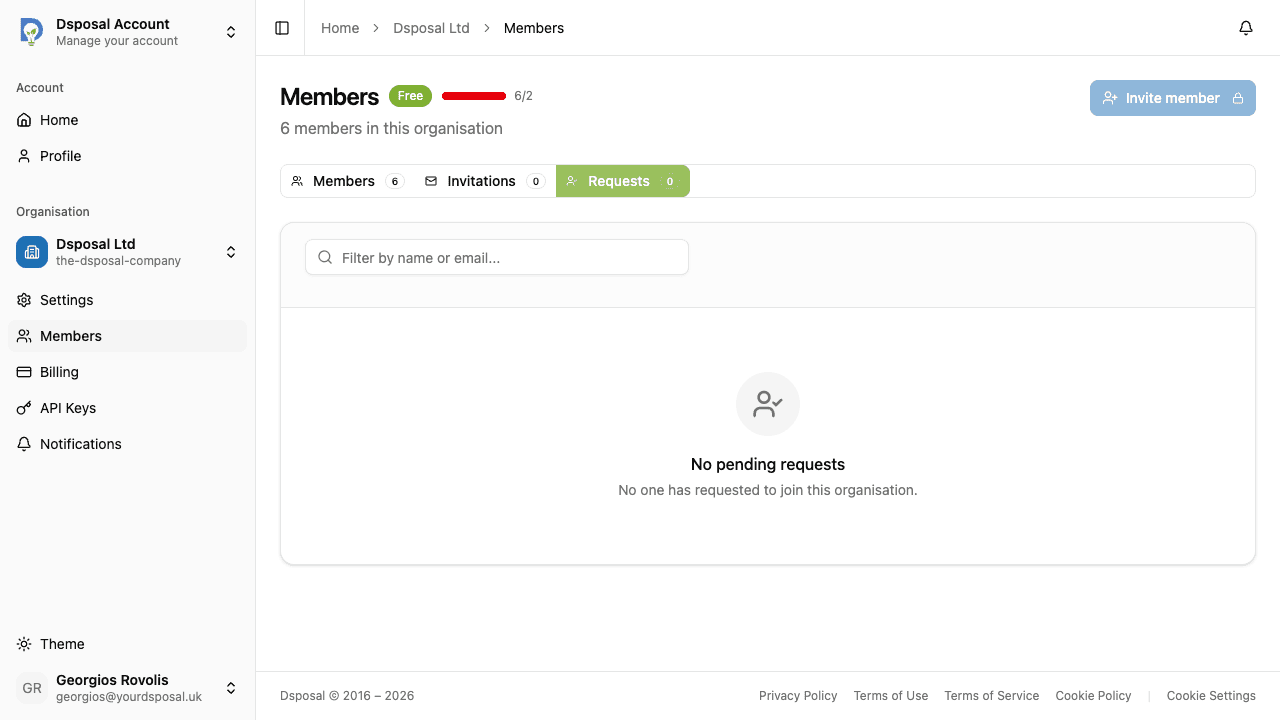
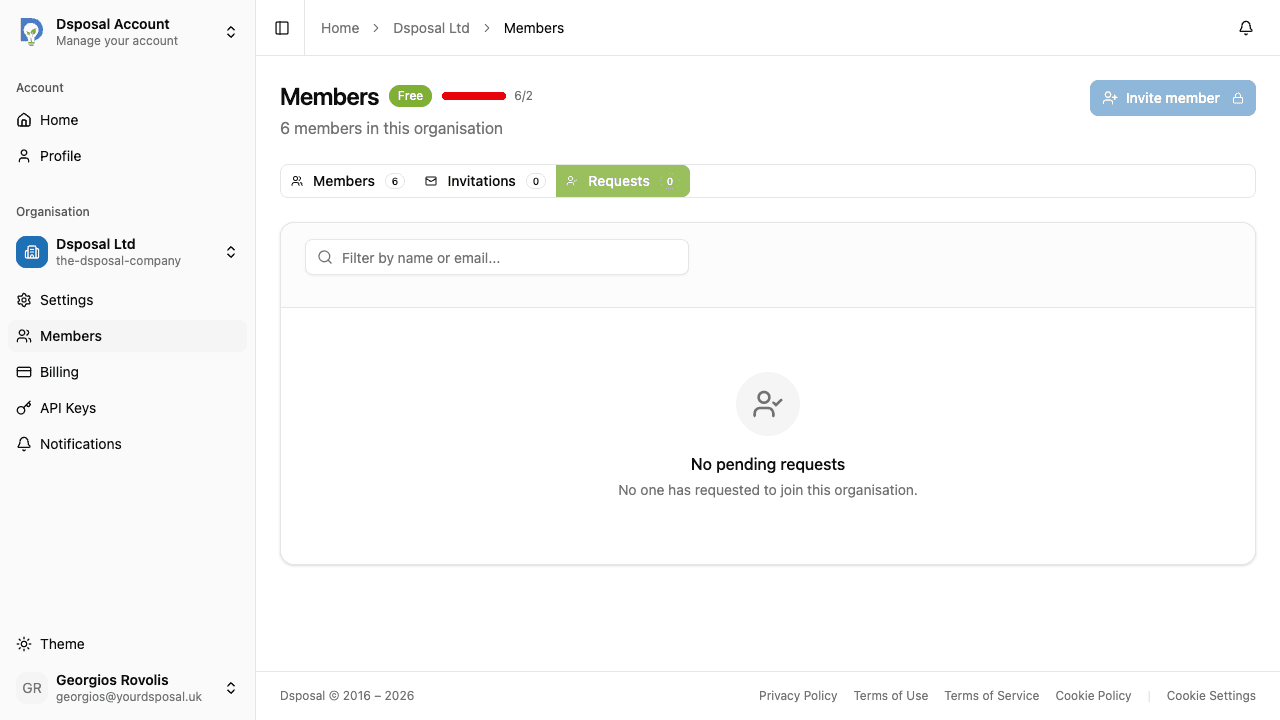
In the Account app, navigate to your organisation and click Members in the sidebar. You will see three tabs at the top of the page: Members, Invitations, and Requests. Each tab shows a count badge indicating how many items it contains.
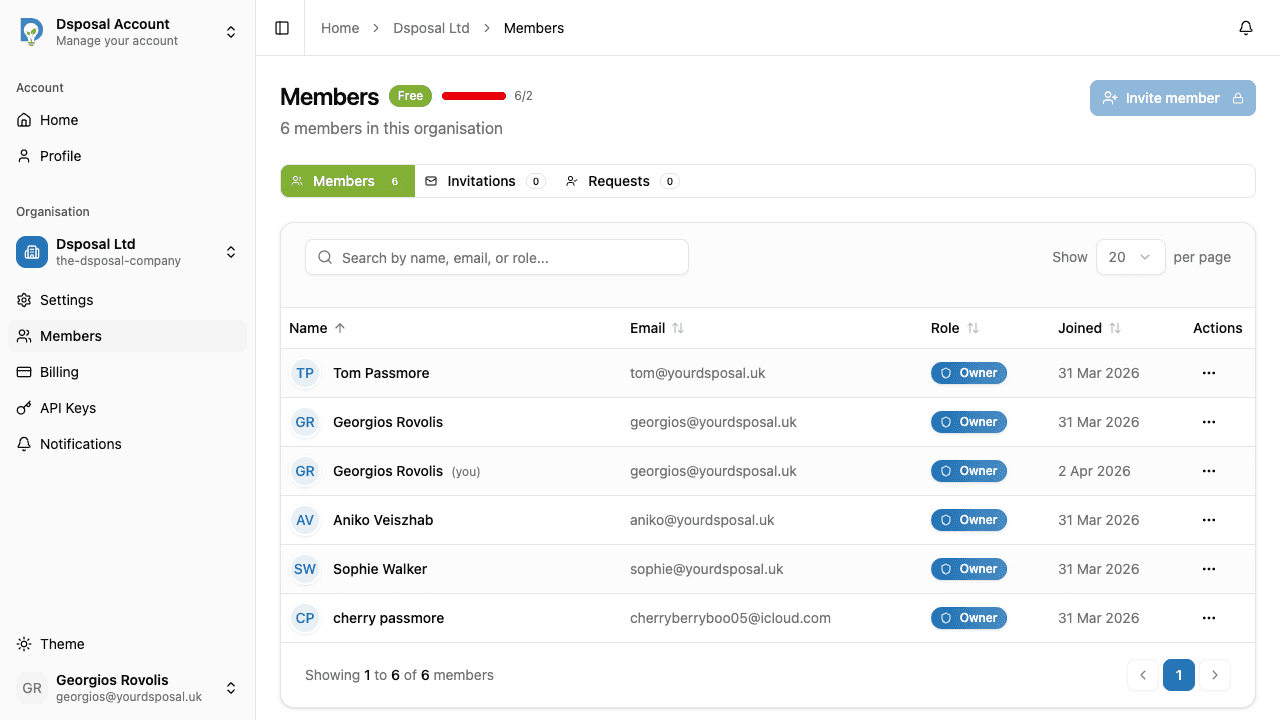
View the Invitations tab
Click the Invitations tab to see all pending invitations. Each row shows the invited email address, the membership type (Owner or Member), when the invitation was sent, and its expiry status.
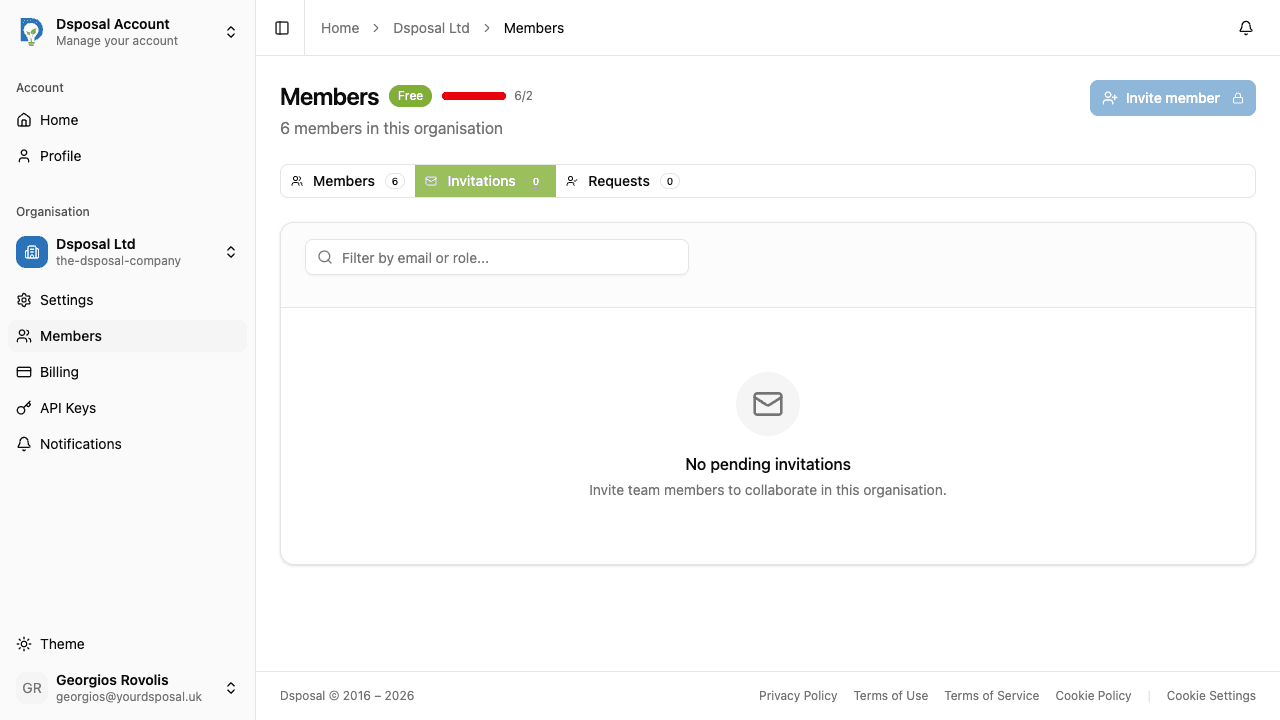
Resend an invitation
If an invitation has expired or the recipient did not receive it, click the actions menu on the invitation row and select Resend. This sends a fresh invitation email to the same address.
Revoke an invitation
To cancel an invitation that is no longer needed, click the actions menu and select Revoke. The invitation link will become invalid immediately.
Change the membership type
If you need to change whether the invited person will join as an Owner or a Member, click the actions menu and select Change membership. A dialog will open where you can choose the new membership type before the person accepts.
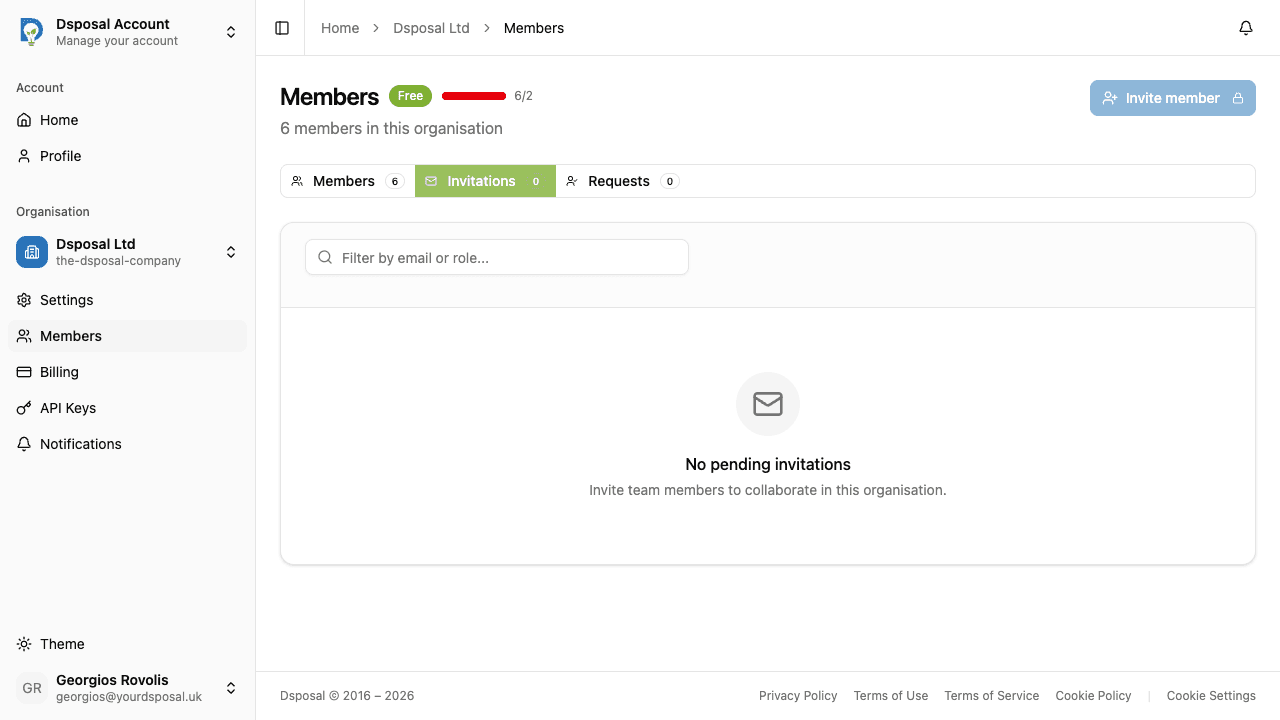
Handling join requests
When someone finds your organisation in Dsposal and requests to join, their request appears in the Requests tab.
View the Requests tab
Click the Requests tab. Each row shows the requester's name (if available), email address, and when they submitted their request.
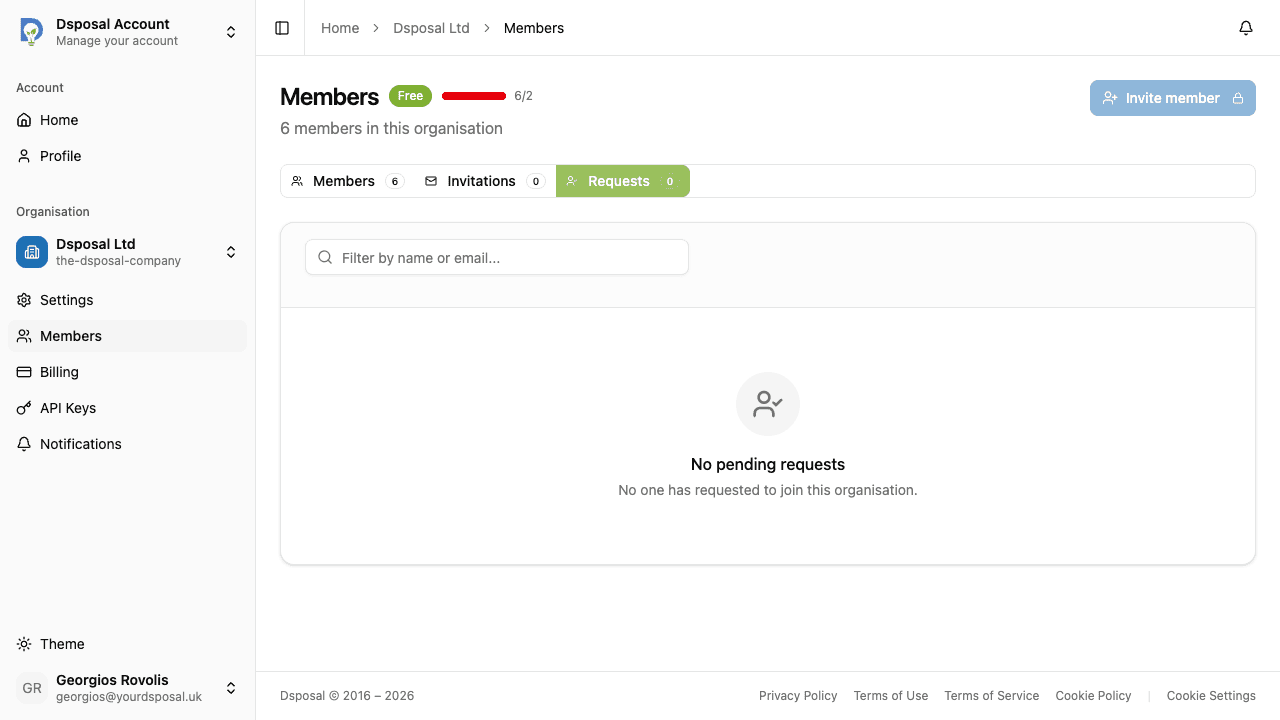
Approve a request
Click the actions menu on a request and select Approve. A dialog will open asking you to choose a membership type for the new member (Owner or Member). Confirm your choice to add them to the organisation.
Reject a request
If you do not recognise the requester or do not want to add them, click the actions menu and select Reject. You can optionally provide a reason for the rejection.
Invitation statuses
Invitations can be in one of these states:
- Pending — the invitation has been sent and is waiting for the recipient to accept
- Expired — the invitation has passed its expiry date and can no longer be accepted (resend to create a new one)
Keep moving
Next steps
Explore further