

Insurance policies are a key part of compliance for waste management organisations. Dsposal lets you record your insurance details, link them to the sites they cover, and track their expiry dates alongside your certificates and registrations.
Adding an insurance policy
Open the insurance form
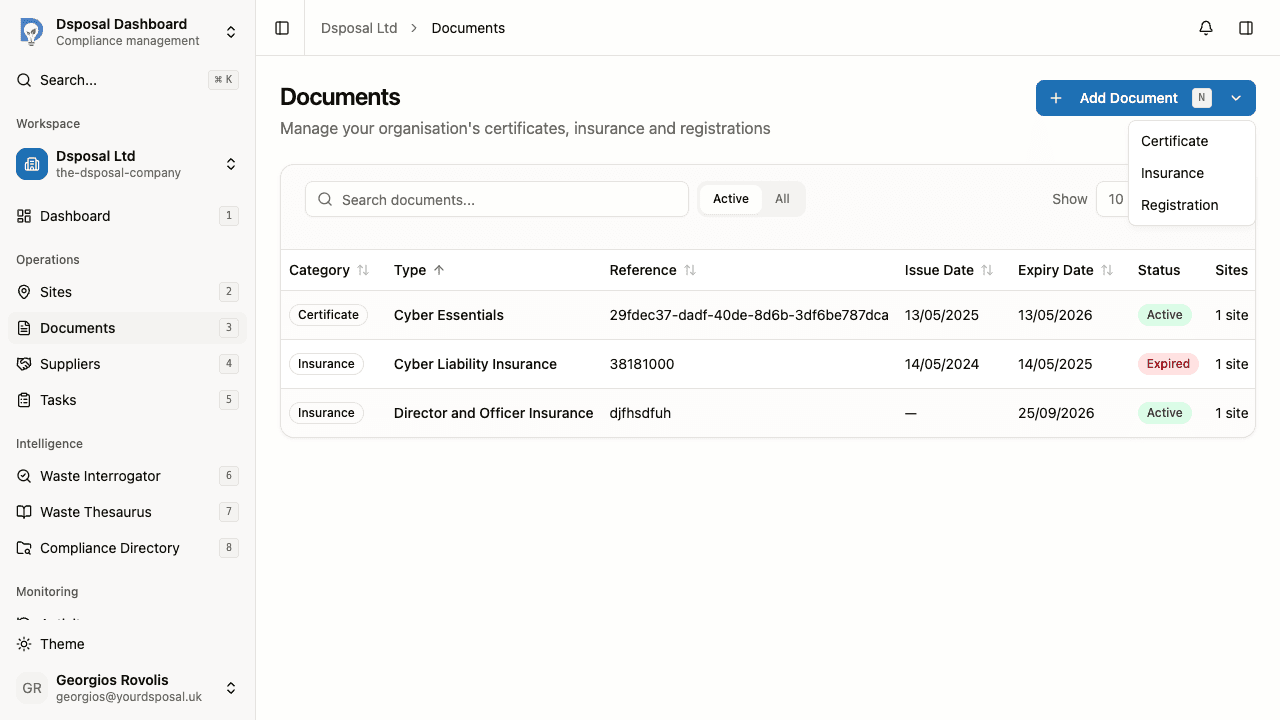
In the Dashboard, go to Documents and click the Add Document dropdown button. Select Insurance from the menu.
Upload a PDF (optional)
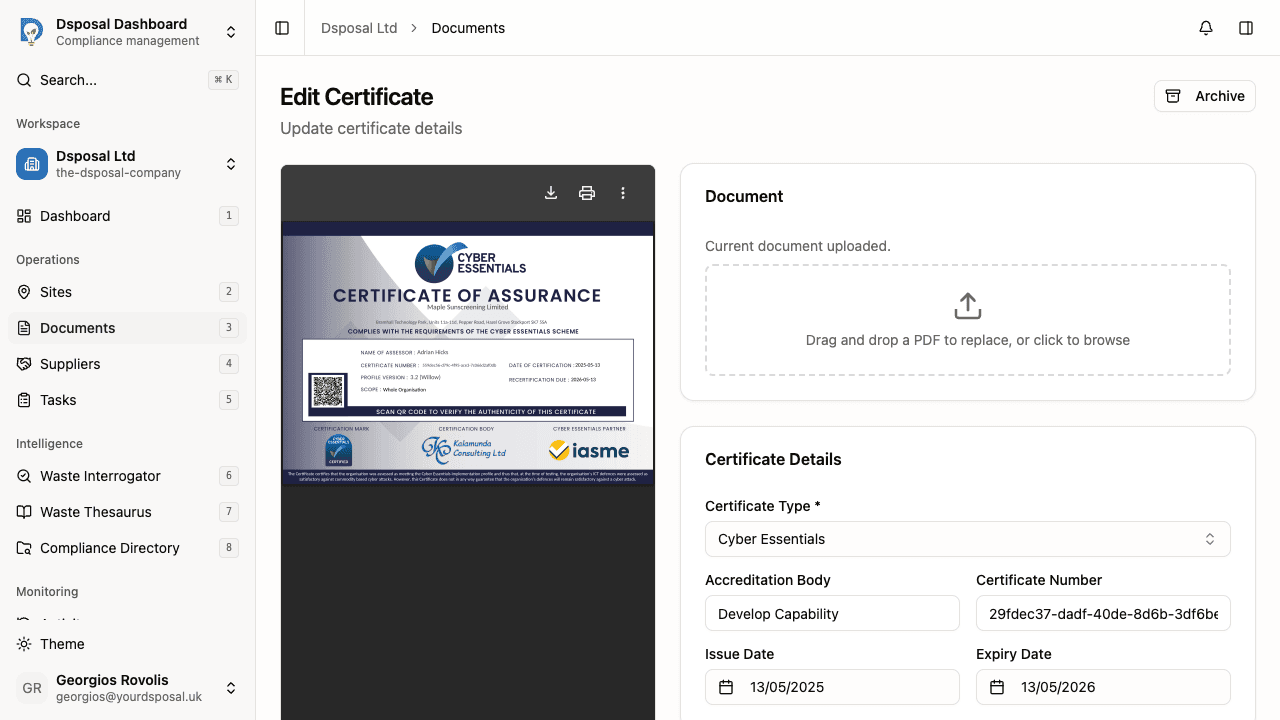
At the top of the form, you'll see a drag-and-drop zone for uploading a PDF copy of the insurance policy. While optional, attaching the policy document provides a useful reference for audits and internal reviews.
Drag a PDF file into the upload zone, or click to browse for a file. A preview appears in the side panel.
Fill in insurance details
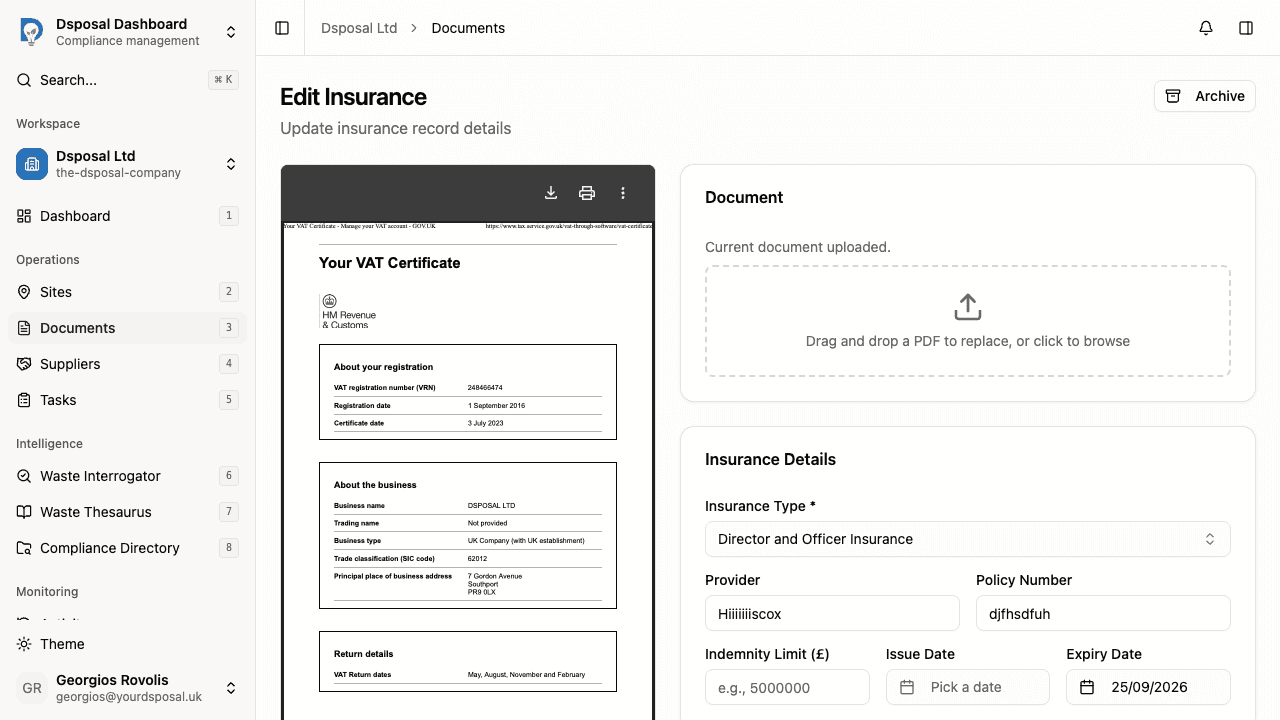
Complete the Insurance Details card:
- Insurance Type (required) — select from the dropdown. Available types include:
- Public Liability, Product Liability, Employers' Liability
- Professional Indemnity, Pollution Liability
- Motor and Fleet, Marine Cargo
- Contract Works, Engineering Hired-In Plant
- Property Damage/Business Interruption
- Director and Officer Insurance, Cyber Liability Insurance
- Excess Employers' Liability, Excess Public/Products Liability
- And others
- Provider — the insurance company (e.g., "Aviva")
- Policy Number — the policy reference number (e.g., "PL-2025-001")
- Indemnity Limit — the coverage amount in pounds (e.g., "5000000")
- Issue Date — when the policy period begins
- Expiry Date — when the policy expires
Link to your sites
In the Linked Sites section, select which sites this insurance policy covers. You can search for sites by name and select multiple ones.
Save the insurance document
Click Save Insurance or press Cmd+S (or Ctrl+S on Windows) to create the record. You'll be redirected to the Documents page.
Editing an existing insurance policy
To edit an insurance policy you've already added:
- Go to Documents in the Dashboard
- Find the insurance policy in the table and either click the row or use the actions menu (three-dot icon) and select Edit
- Update any fields and click Save Changes
Insurance types at a glance
Here are some of the most common insurance types you'll track in Dsposal:
| Type | What it covers | |---|---| | Public Liability | Claims from third parties for injury or property damage | | Employers' Liability | Claims from employees for work-related injury or illness | | Professional Indemnity | Claims arising from professional advice or services | | Pollution Liability | Claims related to environmental contamination | | Motor and Fleet | Vehicle-related incidents involving your fleet |
What to do next
- Add certificates to track your compliance certifications
- Track document expiry to stay on top of renewal dates
Keep moving
Next steps
Explore further