

The API Usage page gives you a clear picture of how your organisation is consuming its API allocation. You can track request counts, monitor rate limits, and view daily usage trends to plan for growth.
Viewing usage metrics
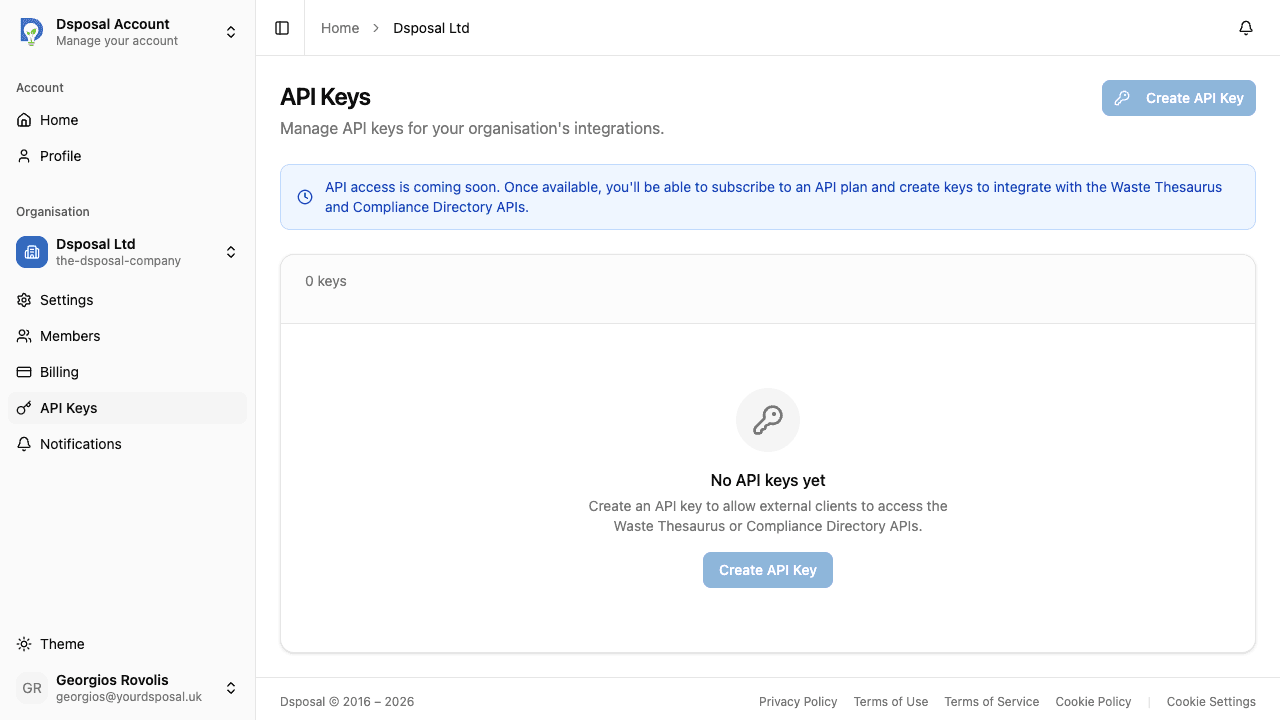
Navigate to API Keys and then Usage
In the Account app, select your organisation and click API Keys in the sidebar. From there, navigate to the Usage tab (or page) to see your usage metrics.
Review usage cards per scope
Each API scope you're subscribed to gets its own usage card showing:
- Current usage -- the number of requests made in the current billing period
- Limit -- the maximum number of requests allowed
- Progress bar -- a visual indicator of how much of your allocation you've used
- Percentage used -- the exact percentage of your limit consumed
- Rate limit -- the maximum number of requests allowed per minute
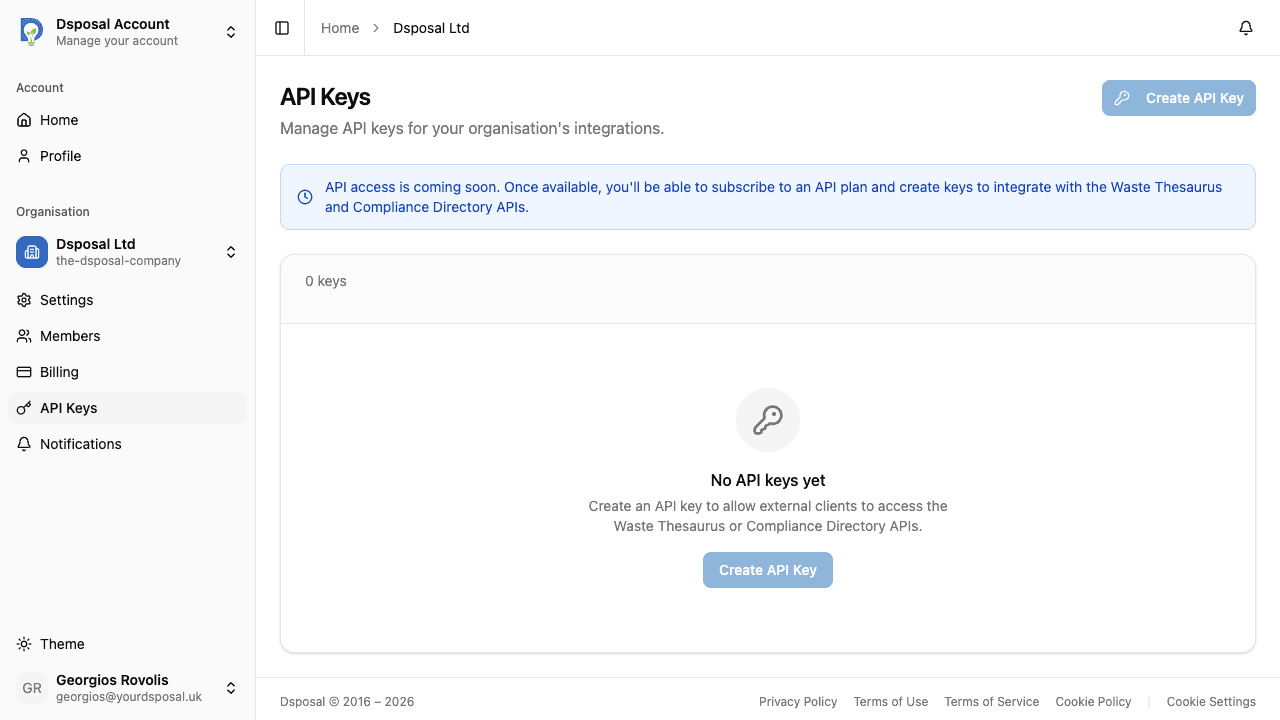
The progress bar changes colour based on your usage level:
- Blue/green -- under 75% used, healthy usage
- Amber -- between 75% and 90% used, approaching your limit
- Red -- over 90% used, close to or at your limit
Reading the daily usage chart
Below the usage cards, a Daily Usage bar chart shows your request volume over the last 30 days. Each bar represents one day's total requests.
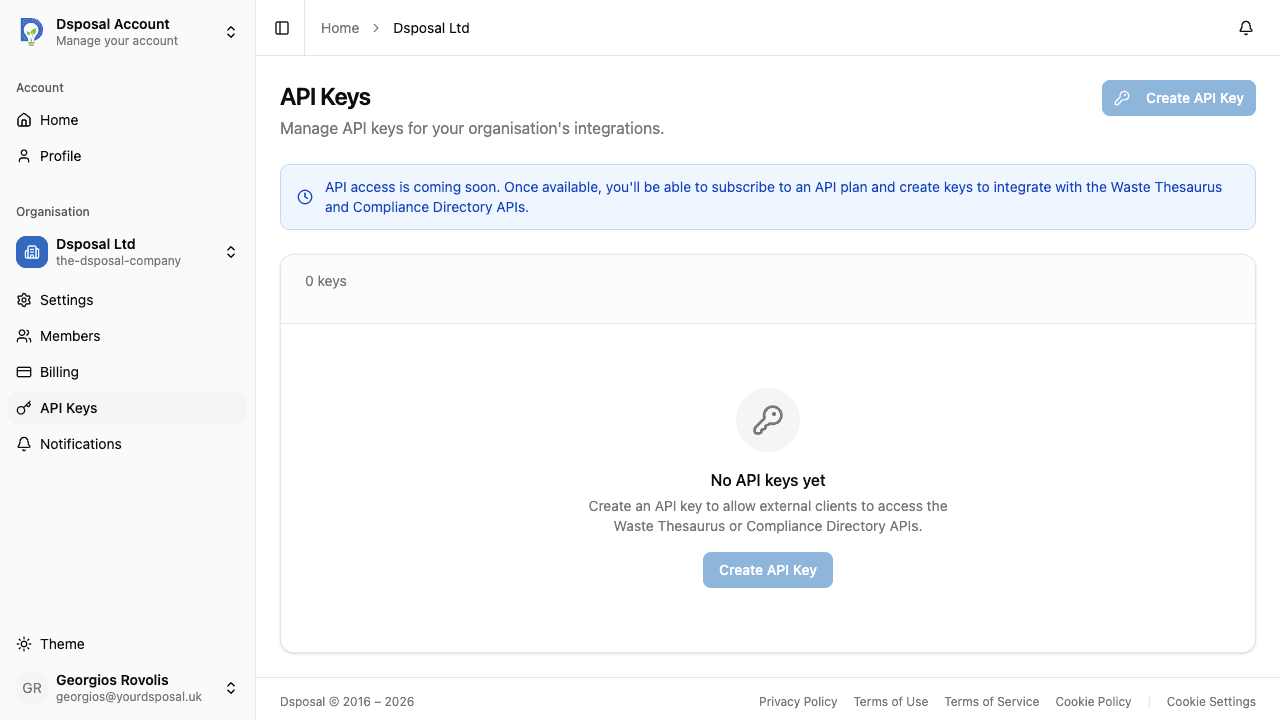
Hover over any bar to see the exact date and request count for that day. The chart shows the date range at the bottom for reference.
Understanding rate limits
Each API scope has a per-minute rate limit displayed on the usage card. This limits how many requests can be made in a single minute, regardless of your monthly allocation.
If your application exceeds the rate limit, the API will return an error response. To avoid this:
- Implement exponential backoff in your API client
- Cache responses where possible to reduce request volume
- Spread requests evenly rather than sending bursts
Planning for growth
If you notice your usage consistently approaching your plan limits, you have two options:
- Purchase an API add-on to increase your allocation for a specific scope
- Upgrade your plan if you need higher limits across multiple features
Monitoring your usage regularly helps you anticipate when an upgrade is needed and avoid unexpected service disruptions.
Keep moving
Next steps
Explore further